Attention: Sign up to get 100 credits for free!
Whiteboard Notes Generator
Transform any text or image into photorealistic professor whiteboard notes. Authentic classroom aesthetic with iPhone-quality photo effects.
50-80 credits per generation
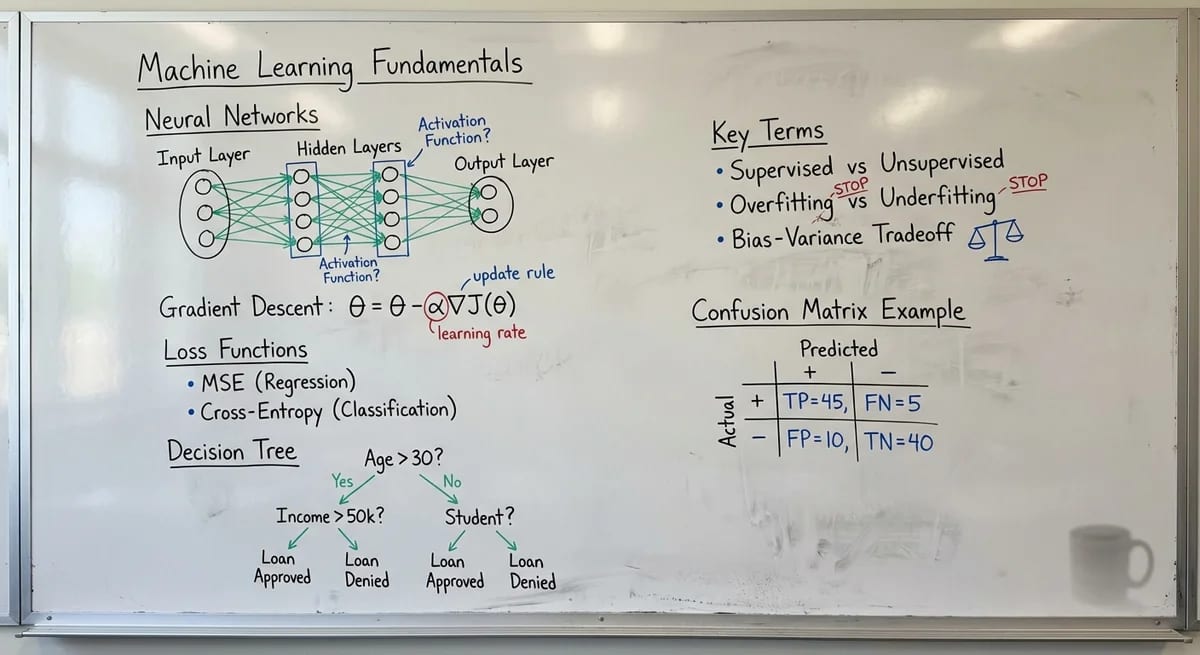
AI Whiteboard Notes Generator - Transform Your Content
Enter text or upload an image. Our AI whiteboard notes generator creates photorealistic whiteboard notes with authentic professor handwriting.
Whiteboard Notes Examples
See how our AI transforms different types of content into realistic whiteboard photos
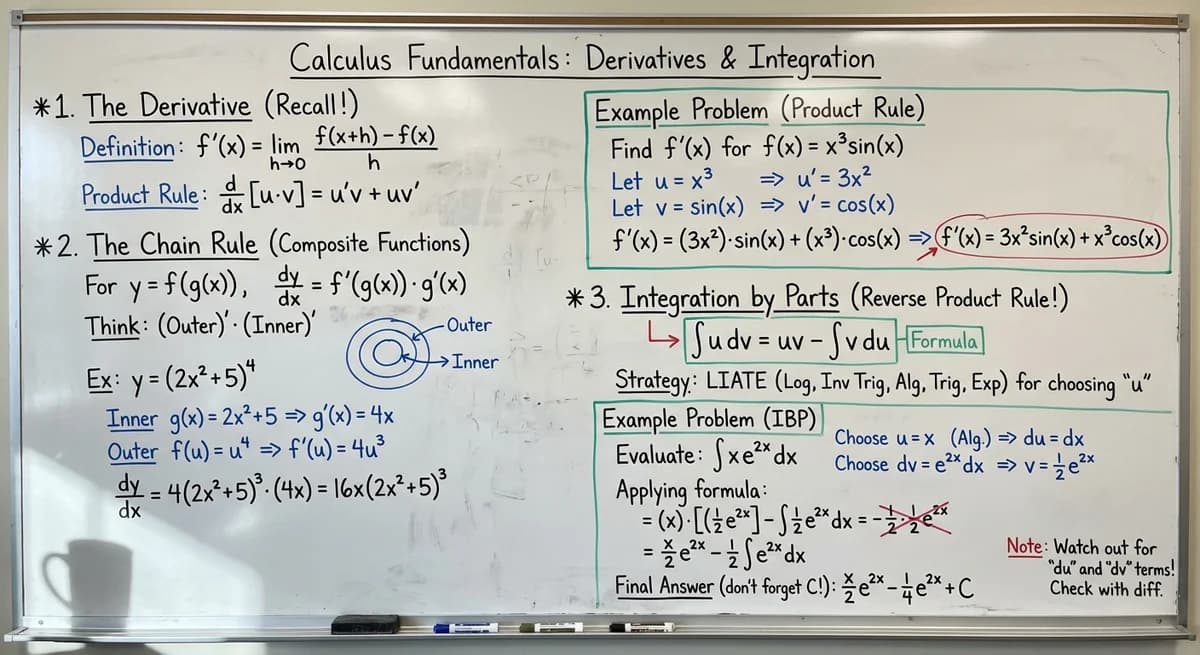
Calculus Lecture
Mathematical equations and derivations in professor style
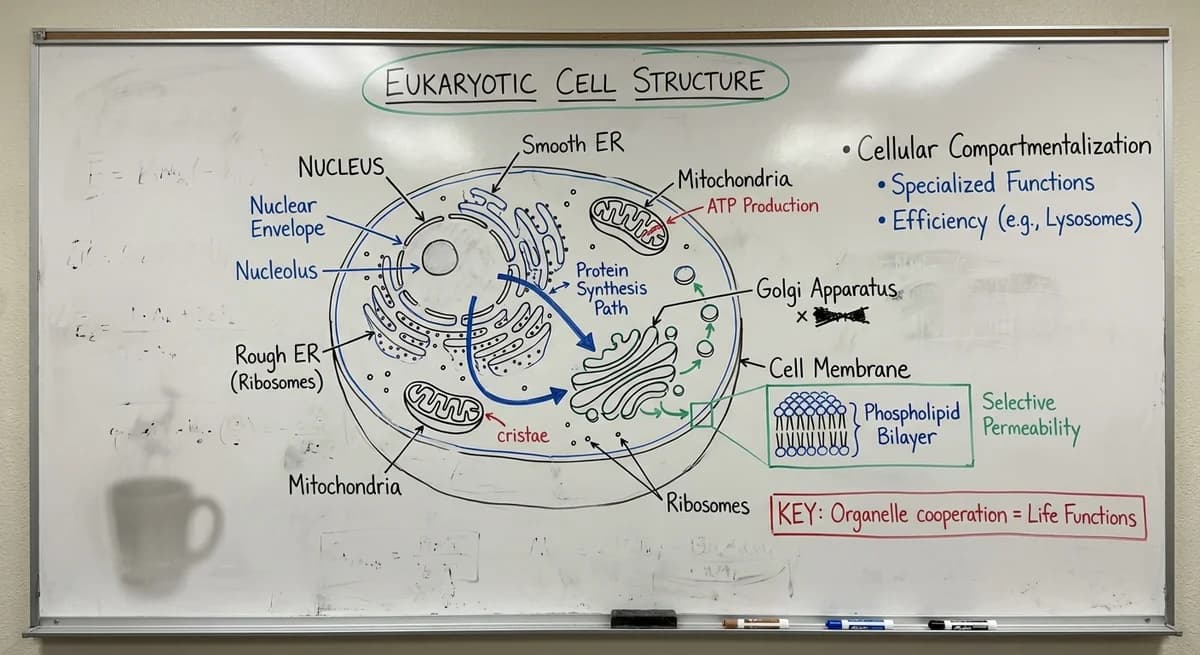
Biology Class
Cell structure diagrams with labeled components
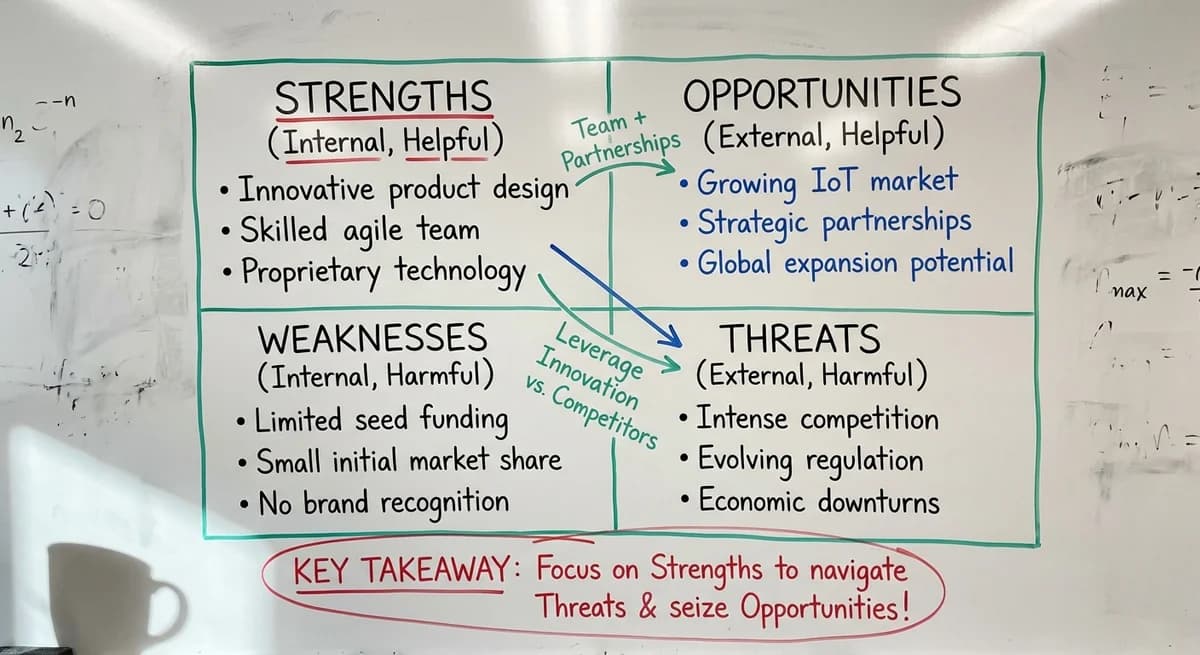
Business Strategy
SWOT analysis and strategic planning notes

Programming 101
Code concepts and algorithm flowcharts
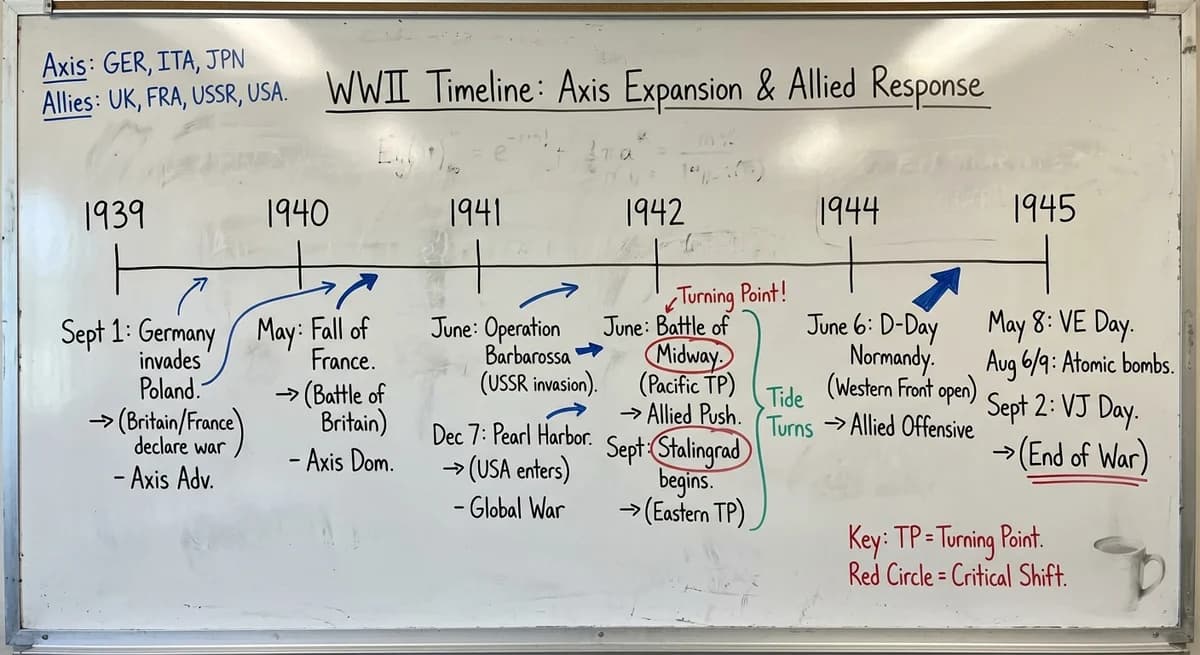
History Timeline
Historical events with dates and connections
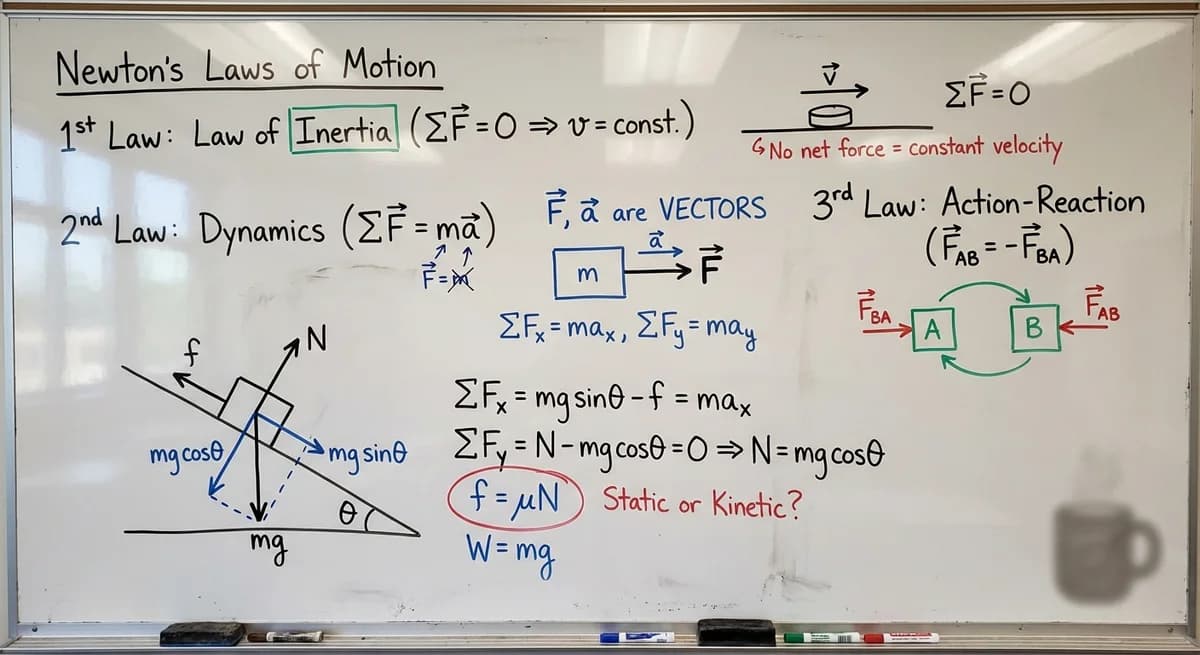
Physics Formulas
Newton's laws and motion equations
Our AI whiteboard notes generator transforms how you create educational content. Unlike simple text-to-handwriting converters, this whiteboard notes tool generates photorealistic images that look like actual smartphone photos of a real professor's whiteboard notes. The AI captures authentic details: whiteboard surface imperfections, natural handwriting variations, academic color conventions, and iPhone-quality photo effects. Perfect for students creating handwritten notes materials and lecture notes, teachers preparing classroom whiteboard previews, content creators making educational thumbnails, and anyone sharing professor notes on social media.
How It Works
Transform your content into realistic whiteboard notes in three simple steps
Upload or Type
Add your notes, text, or image content for whiteboard notes. You can input study notes, lecture notes, or any educational material.
Choose Style
Select professor handwriting or student style for your whiteboard notes. Pick your preferred academic color hierarchy.
Generate & Download
Get photorealistic whiteboard notes in 30-60 seconds. Download in your chosen resolution.
What Makes It Different
Not just another text-to-handwriting converter. Our whiteboard notes generator creates photorealistic classroom whiteboard notes.
Photorealistic Surface
Smudges, eraser marks, and residue like a real whiteboard
Academic Color System
Black for main text, blue for examples, red for emphasis
iPhone Photo Effect
HDR, perspective distortion, natural classroom lighting
Professor Handwriting
Authentic academic style with natural inconsistencies
Who Uses Whiteboard Notes Generator
From students to educators to content creators - transform how you share knowledge
Students
Transform study notes into memorable visual whiteboard notes summaries
Teachers
Create lecture notes and whiteboard notes for classroom previews
Content Creators
Generate whiteboard notes thumbnails and course materials
Social Media
Share knowledge in viral-worthy whiteboard notes format
Flexible Credit Packages
Choose the package that fits your content creation needs
55 images package
- GPT-Image-1: 55 images (10₵/image)
- Nano Banana: 27 images (20₵/image)
- Nano Banana Pro: 11@1K / 9@2K / 6@4K (50-80₵/image)
- 550 credits total
- 6+ artistic styles
- Up to 4K resolution (4096×4096)
- Commercial usage rights
120 images package
- GPT-Image-1: 120 images (10₵/image)
- Nano Banana: 60 images (20₵/image)
- Nano Banana Pro: 24@1K / 20@2K / 15@4K (50-80₵/image)
- 1200 credits total
- 6+ artistic styles
- Up to 4K resolution (4096×4096)
- Commercial usage rights
300 images package
- GPT-Image-1: 300 images (10₵/image)
- Nano Banana: 150 images (20₵/image)
- Nano Banana Pro: 60@1K / 50@2K / 37@4K (50-80₵/image)
- 3000 credits total
- 6+ artistic styles
- Up to 4K resolution (4096×4096)
- Commercial usage rights
Frequently Asked Questions
Everything you need to know about whiteboard notes generation
What content can I transform into whiteboard notes?
Our whiteboard notes generator transforms text, images, or both into realistic whiteboard notes. Text works best for lecture notes, handwritten notes, study notes, concept summaries, and structured content. Images work well for diagrams, charts, or existing professor notes you want to recreate in whiteboard format. Our AI intelligently combines both inputs when provided, creating cohesive whiteboard notes that maintain your original structure while adding authentic professor notes handwriting style.
How realistic are the whiteboard photos?
Extremely realistic. Our AI generates whiteboard notes that look like actual iPhone 16 Pro photos of a real classroom whiteboard. This includes surface details like smudges, eraser marks, and marker residue, plus natural professor handwriting with slight inconsistencies, hurried strokes, and occasional corrections. The lighting mimics a real classroom with soft overhead lights and subtle glossy reflections on the whiteboard surface.
What's the academic color hierarchy in whiteboard notes?
We follow standard academic whiteboard conventions used by professors worldwide. Black is used for main body text and primary definitions. Blue is used for examples, secondary derivations, and optional notes. Red is reserved for emphasis, corrections, warnings, and key takeaways (used sparingly). Green is used for structural elements like boxes, arrows, and section separators. This color system in your whiteboard notes helps organize information visually and aids comprehension.
Can I use generated whiteboard notes commercially?
Yes, all generated whiteboard notes are yours to use commercially. This includes educational content, course materials, YouTube thumbnails, social media posts, business presentations, and training materials. Your whiteboard notes have no usage restrictions. Please refer to our Terms of Service for full details on commercial usage rights.
How long does whiteboard notes generation take?
Whiteboard notes generation typically takes 30-60 seconds depending on the complexity of your input and selected resolution. The AI analyzes your content, plans an optimal whiteboard layout, renders authentic professor handwriting, adds realistic surface details, and applies iPhone photo effects. Higher resolutions may take slightly longer due to increased detail processing.
What resolution should I choose for my whiteboard notes?
Choose 1080P (50 credits) for social media sharing and quick reference of your whiteboard notes. Select 2K (60 credits) for professional presentations and high-quality exports. Use 4K (80 credits) for print materials, large displays, or when maximum detail is essential. Higher resolutions provide sharper handwriting detail and more realistic surface textures in your whiteboard notes.
🔗 Related AI Tools
Explore more creative AI-powered image generators and style transformation tools
Nano Banana Pro
NEW!Studio-quality AI image generator powered by Google Gemini 3 Pro with 2K/4K resolution support
Anime Hybrid Portrait Generator
NEW!Blend realistic photos with Japanese anime elements - companions, magical objects, energy effects
Chibi Plush Generator
PopularTransform photos into adorable chibi plush toy style with soft textures
Character Figurine Generator
PopularCreate detailed character figurines with professional 3D modeling aesthetic
Pop Art Vector Portrait
NEW!Transform photos into vectorized flat-color pop art with Andy Warhol aesthetics
Bottle Diorama Generator
PopularTransform into a tiny figure trapped in hyper-realistic glass bottle worlds
Transform Your Notes Today
Create photorealistic whiteboard notes in seconds. No design skills required.
Start with 50 free credits on signup
Contact Us
Have questions or suggestions? Feel free to get in touch