Best AI Image Combiner: Merge Multiple Photos with Advanced Fusion
Fuse 2-3 images seamlessly with our advanced AI image combiner tool powered by Nano Banana Pro. Preserve artistic styles, match lighting automatically, and create professional composites in minutes—no Photoshop skills required.
50+ credits per generation · 30-60s · 90% character consistency · Up to 3 source images

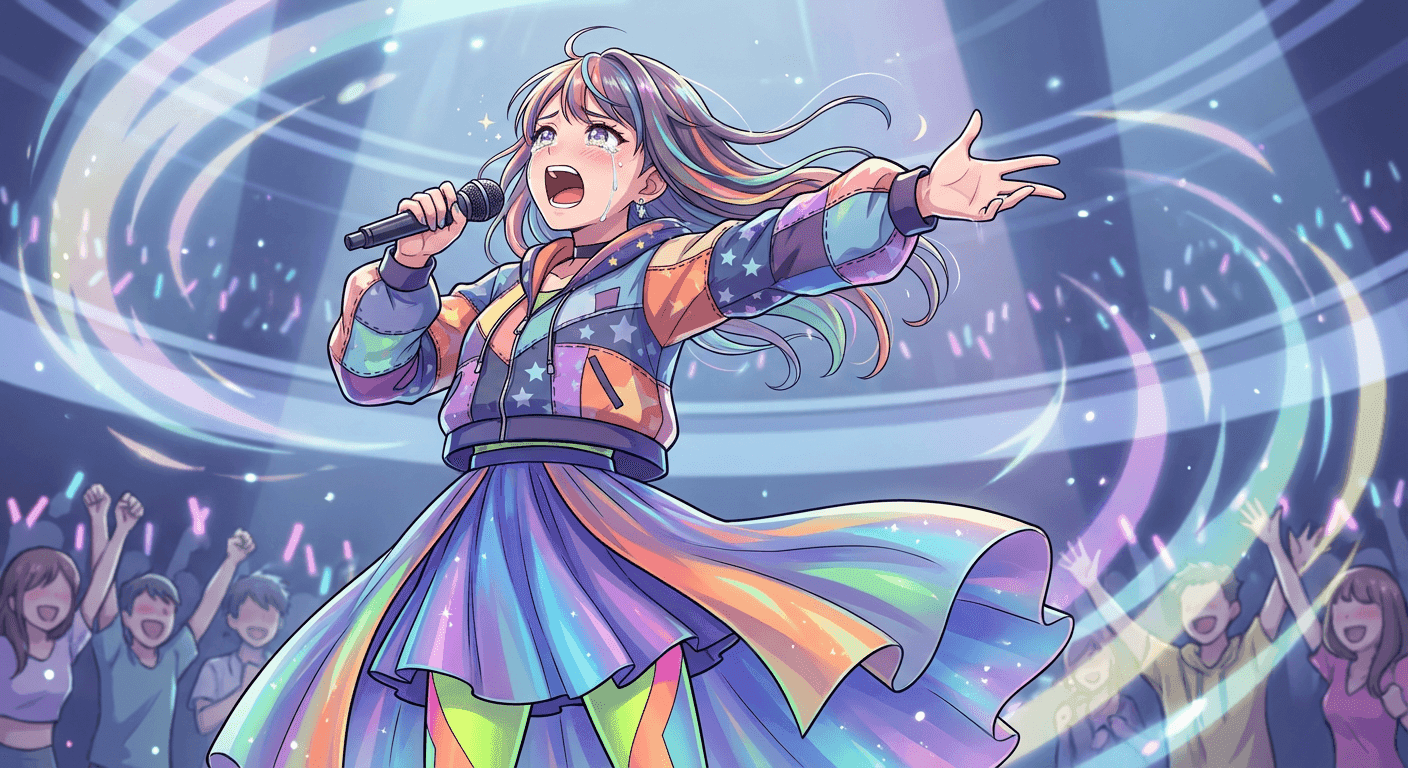
Quick Start Templates
Try proven workflows in one click
Higher resolution = longer processing time
30-60s generation · 90% consistency · Up to 3 source images
Fusion Result
Upload images and click Generate to start
How Our AI Image Combiner Works
Upload 2-3 Source Images
Choose your main subject, background, and optional props/effects. Our AI handles perspective matching and lighting consistency.
Customize Fusion Settings
Adjust dominance, blending mode, and style preservation. Use proven prompt templates or write custom scene descriptions.
Download Professional Composite
Get HD or 4K results in 30-60 seconds. 90% character consistency with seamless style blending.
Traditional Photoshop
AI Fusion Studio
Advanced AI Image Combiner & Fusion Technology
Multi-Image Capability: Advanced AI Image Combiner Technology
Unlike standard AI image tools limited to single inputs, our AI image combiner with Nano Banana Pro fuses up to 3 source images simultaneously. The advanced ai image combiner technology gives you separate control over character identity, background environment, and additional elements (props, effects, atmospheric overlays).
Style Preservation
Our proven 2-part prompt method (validated by 317K views, 2.4K bookmarks) ensures illustrated textures remain intact when blending with photorealistic backgrounds using this ai image combiner. Example: Anime character's hand-drawn qualities preserved in real-world Tokyo street scene through our precision ai image combiner fusion technology.
Character consistency across complex multi-element compositions
Gemini 2.5 Pro Image on LMArena powers fusion intelligence
Before & After Gallery - See Real Fusion Results
See how our AI image combiner seamlessly fuses multiple photos into professional composites
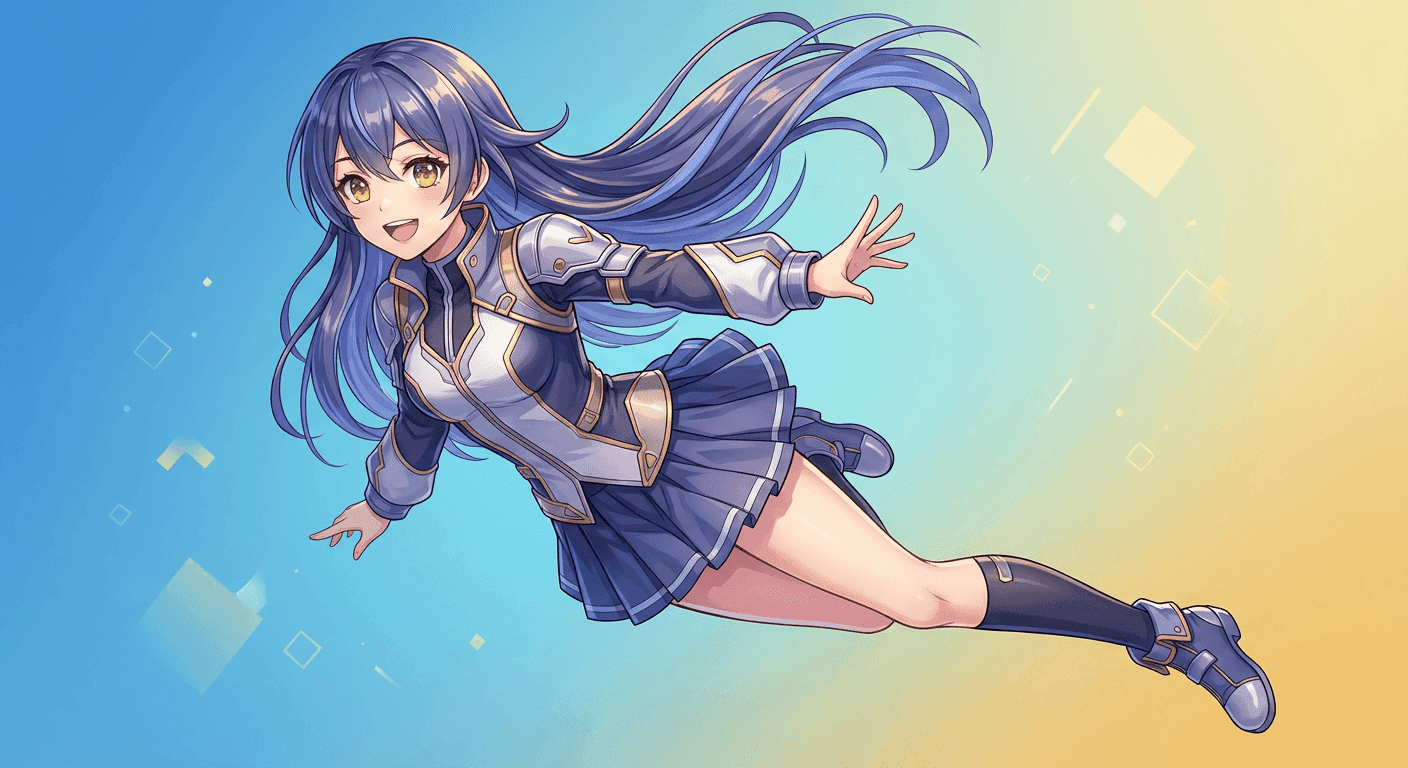
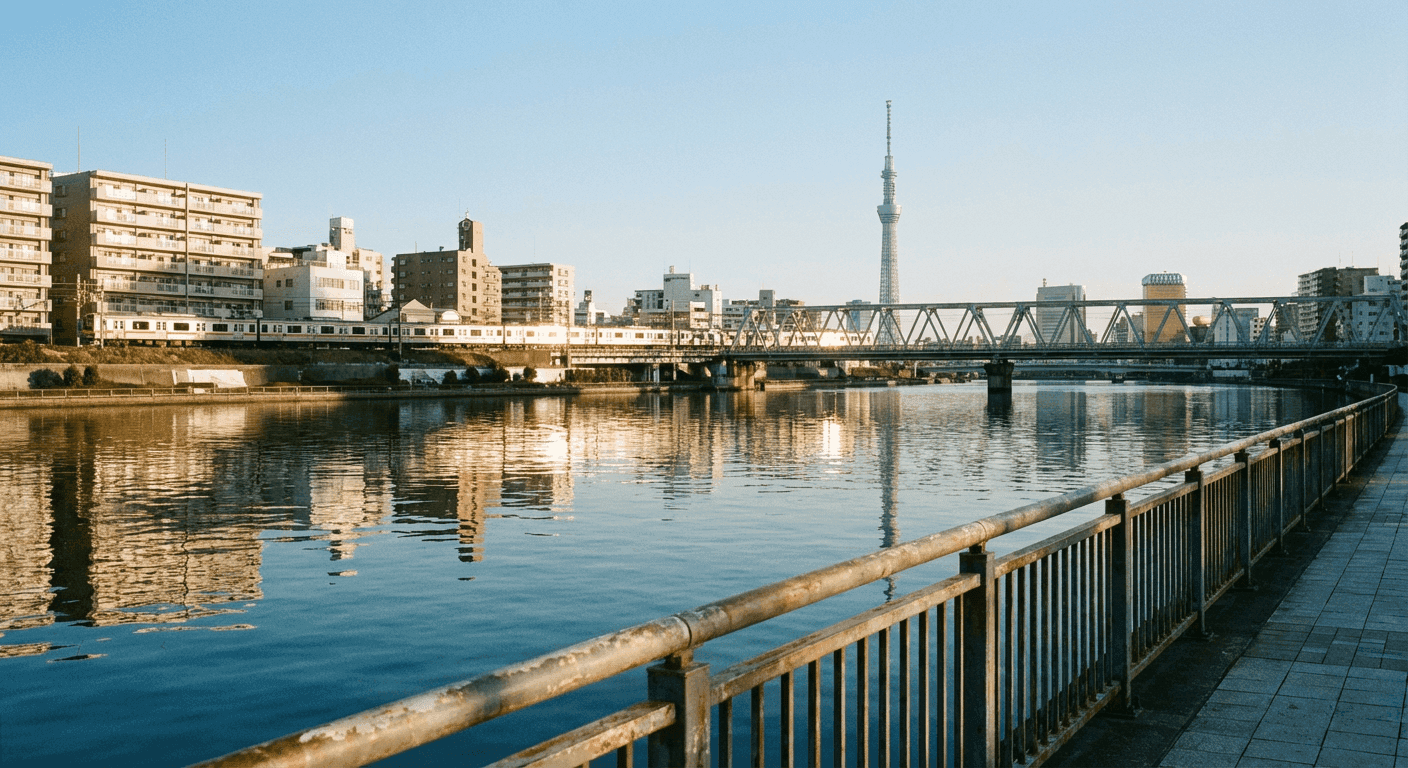
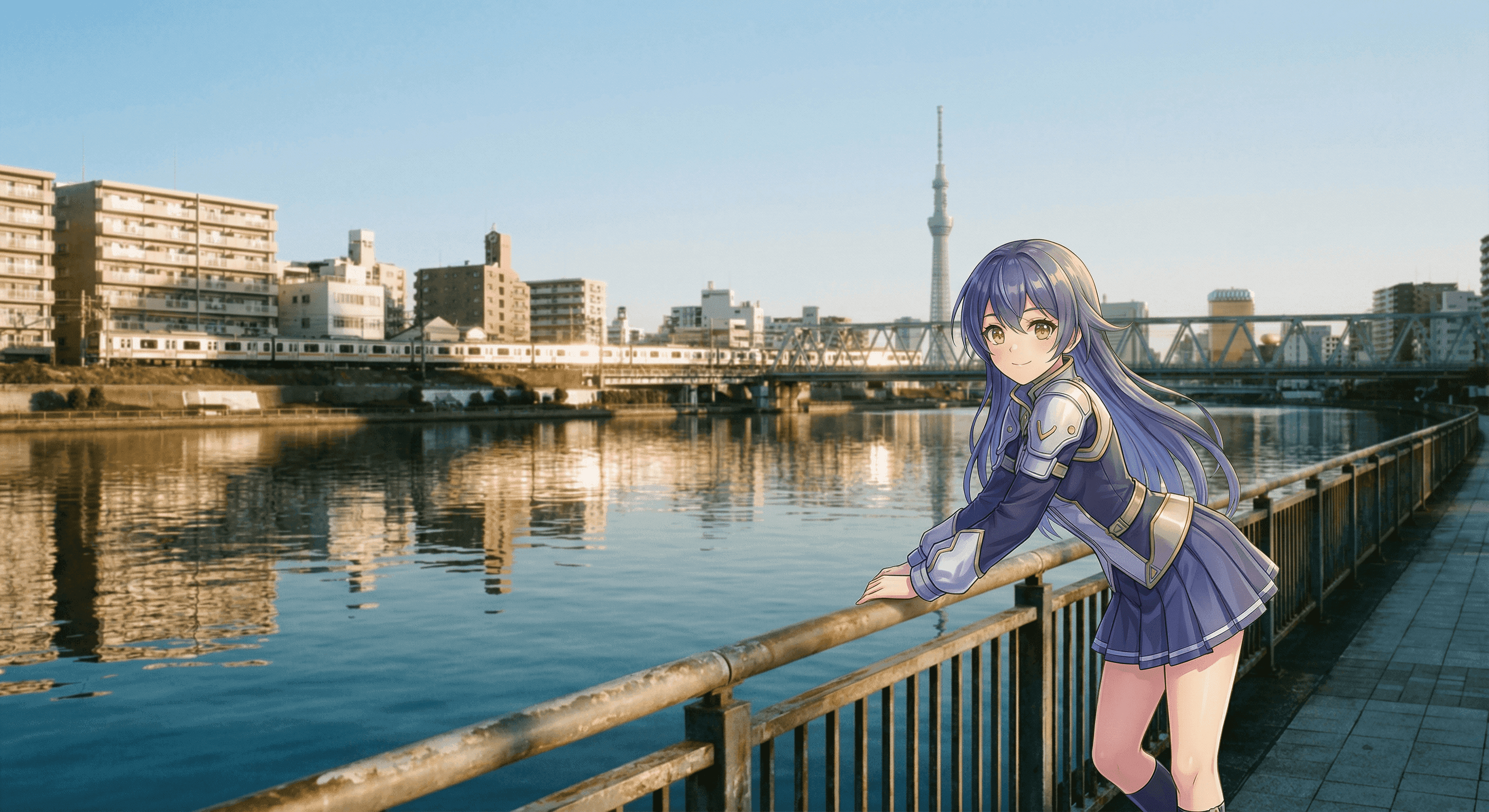

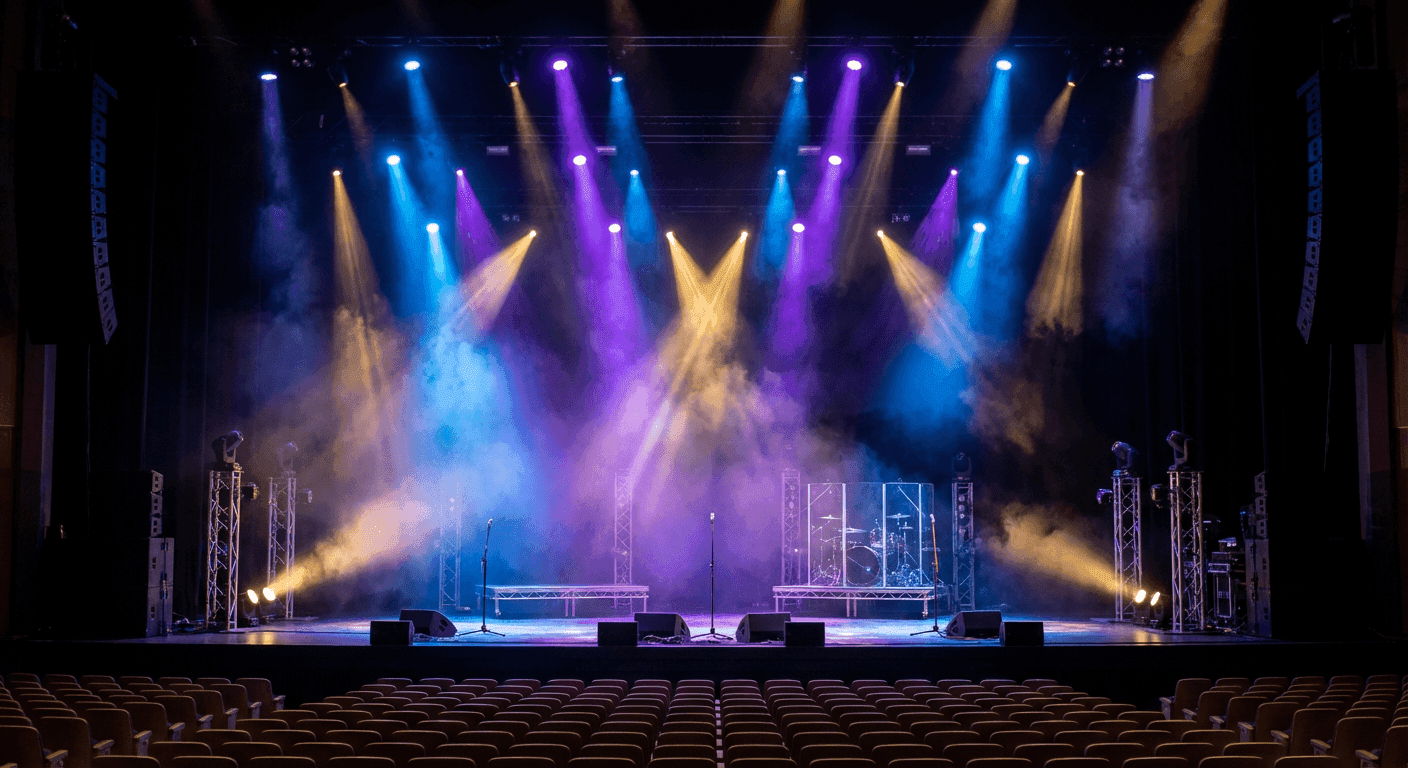
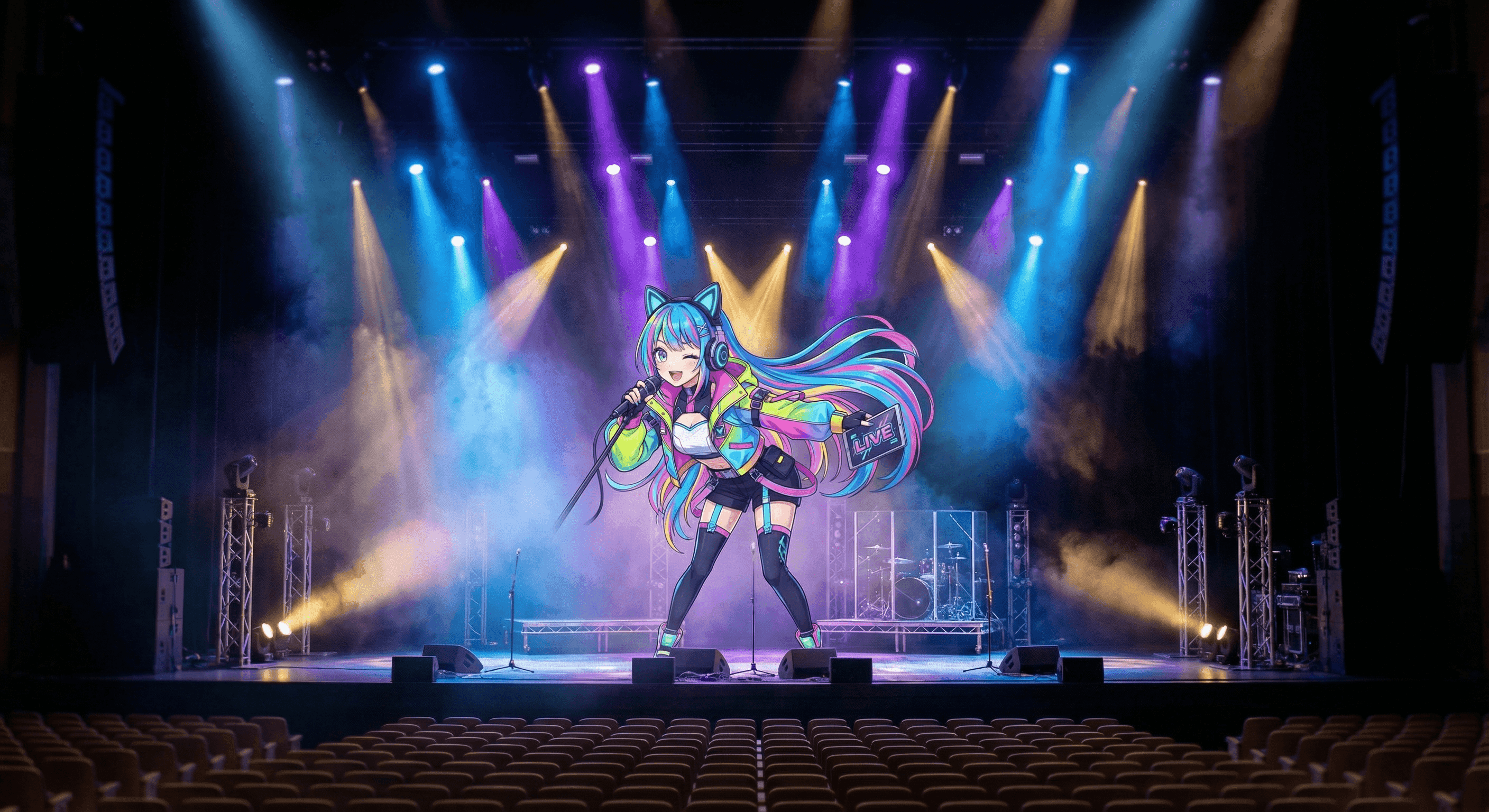
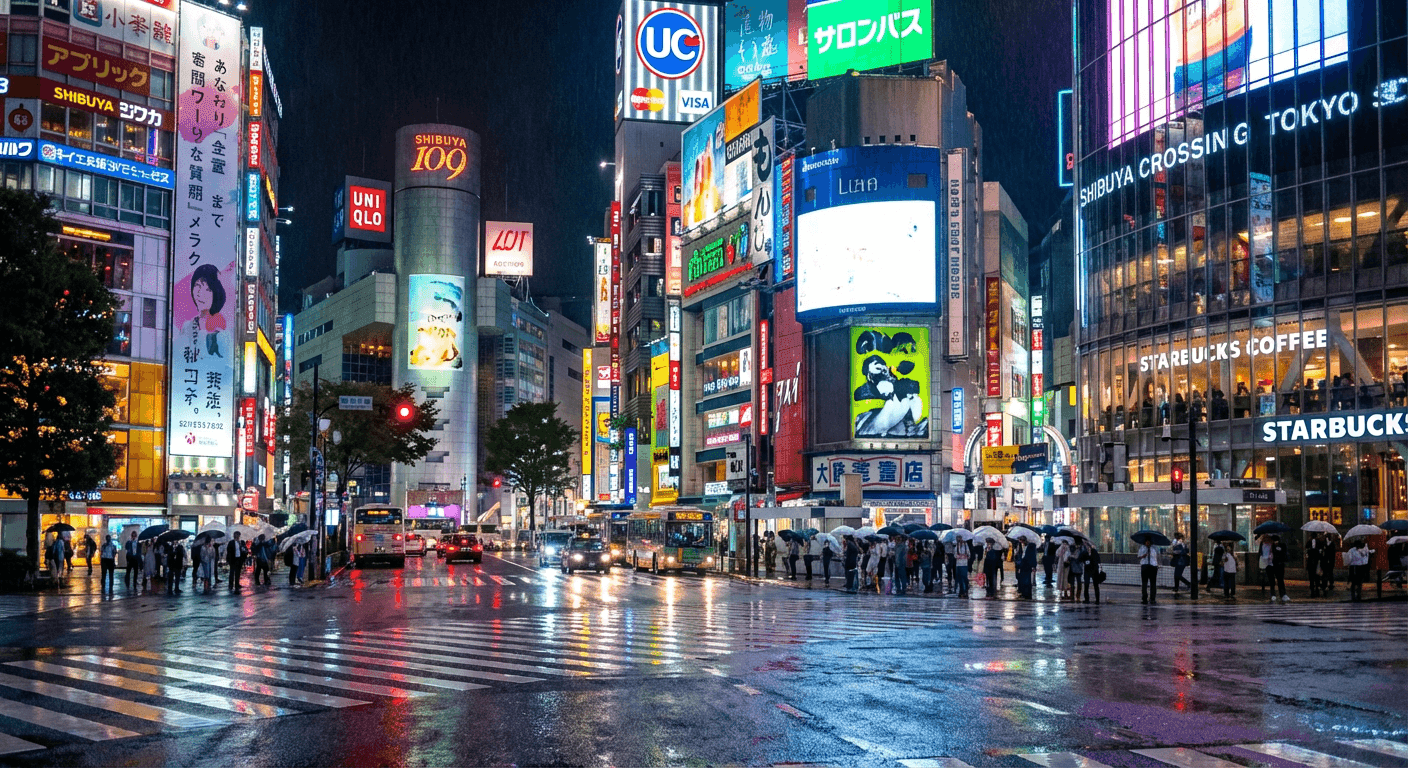
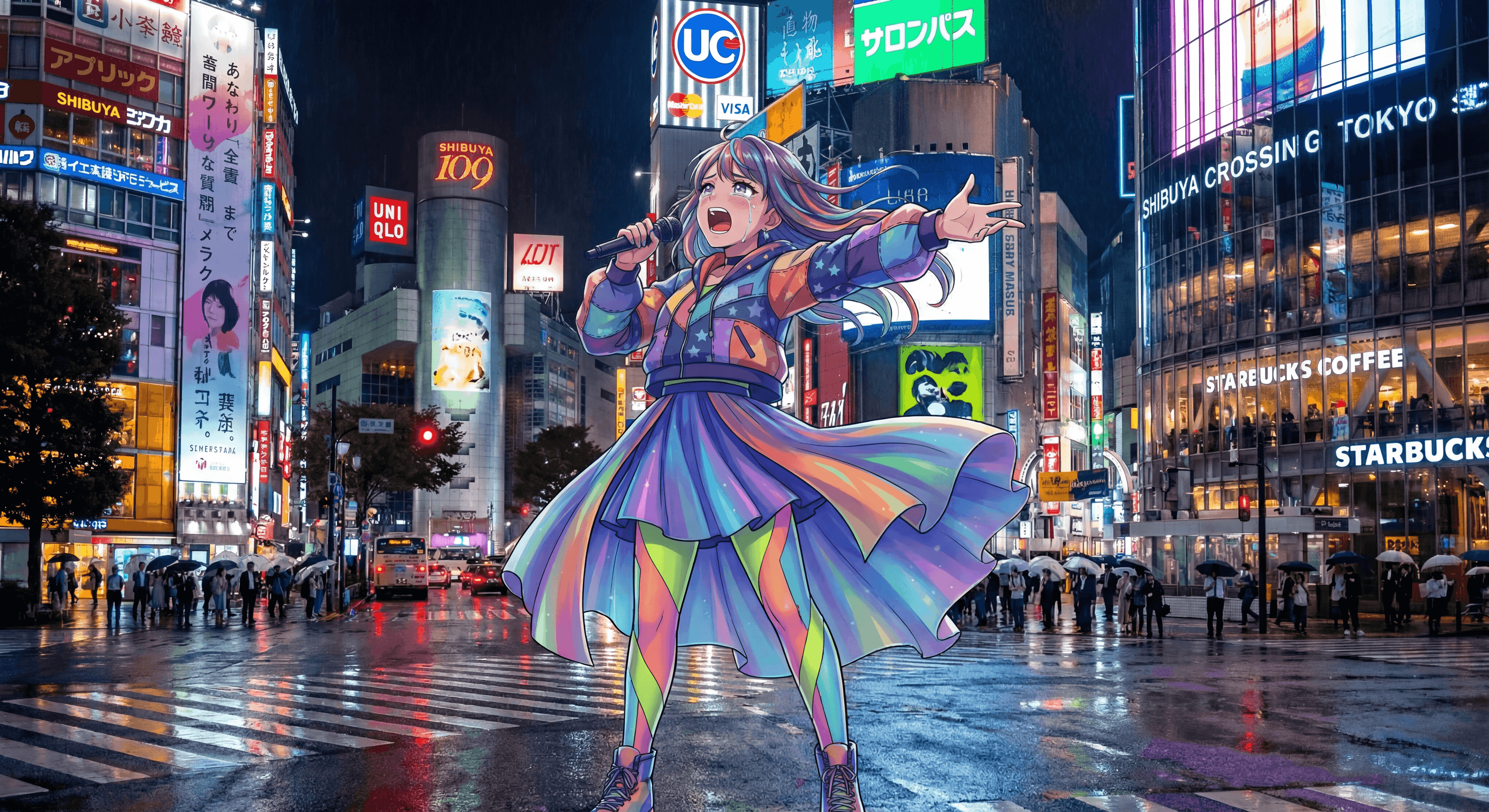
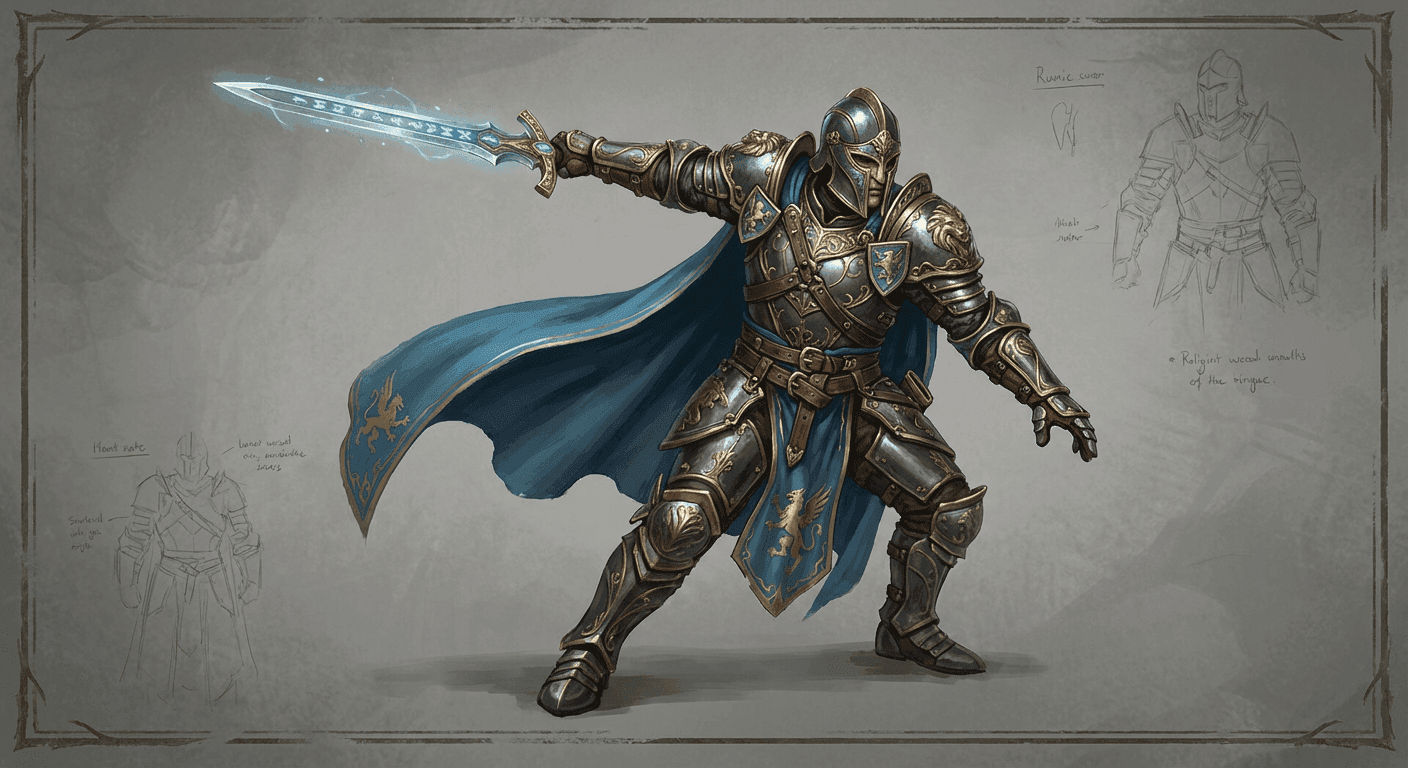
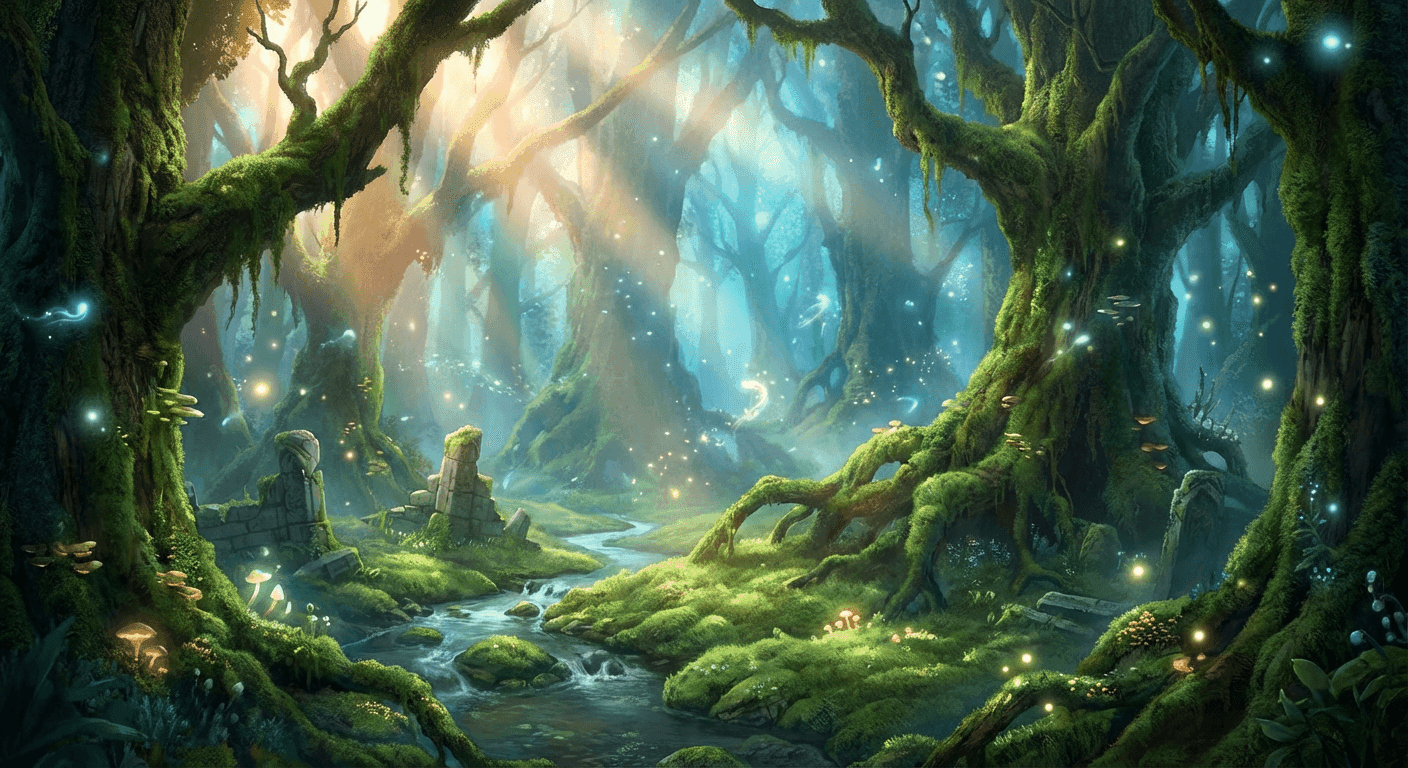
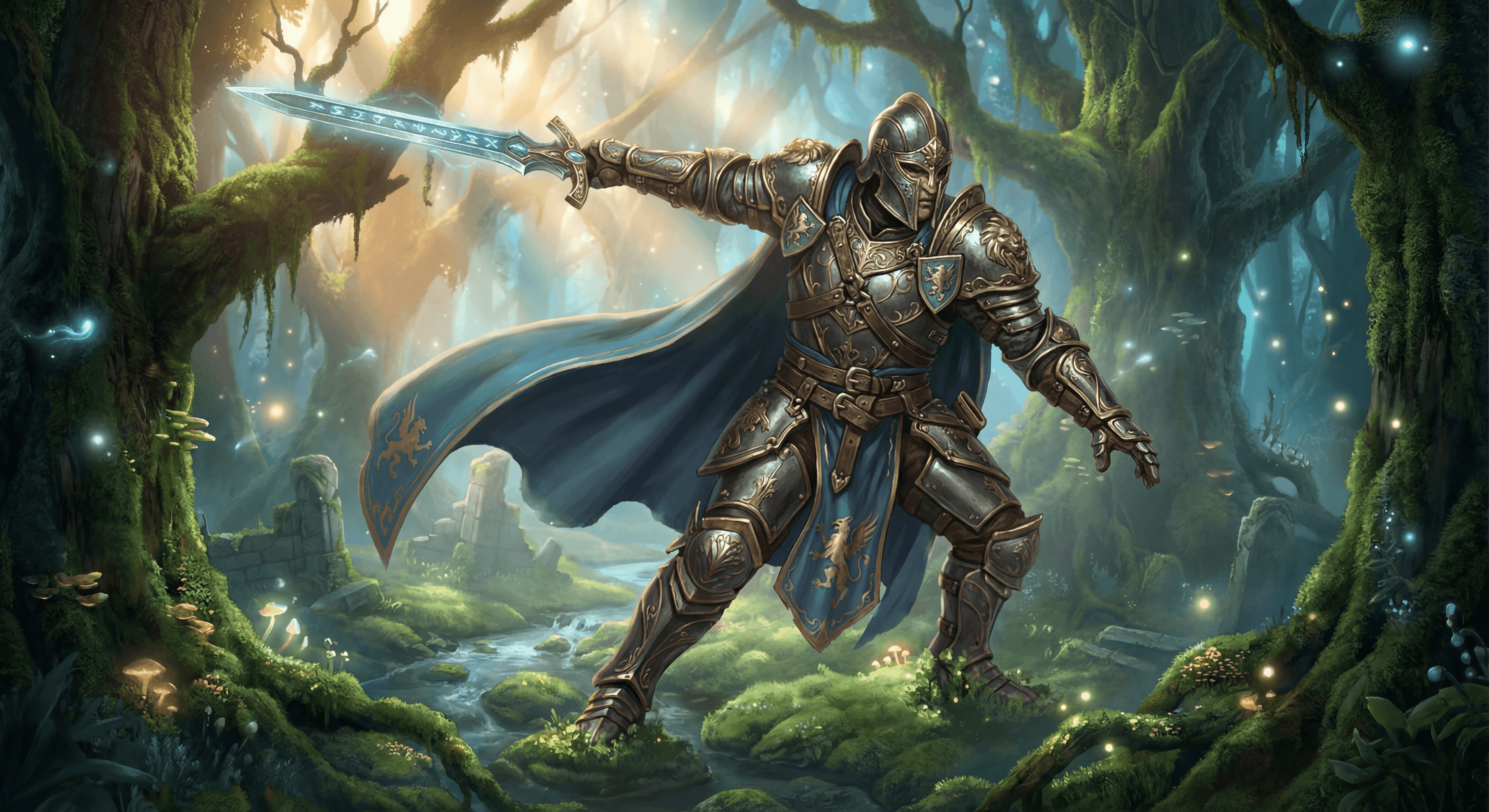
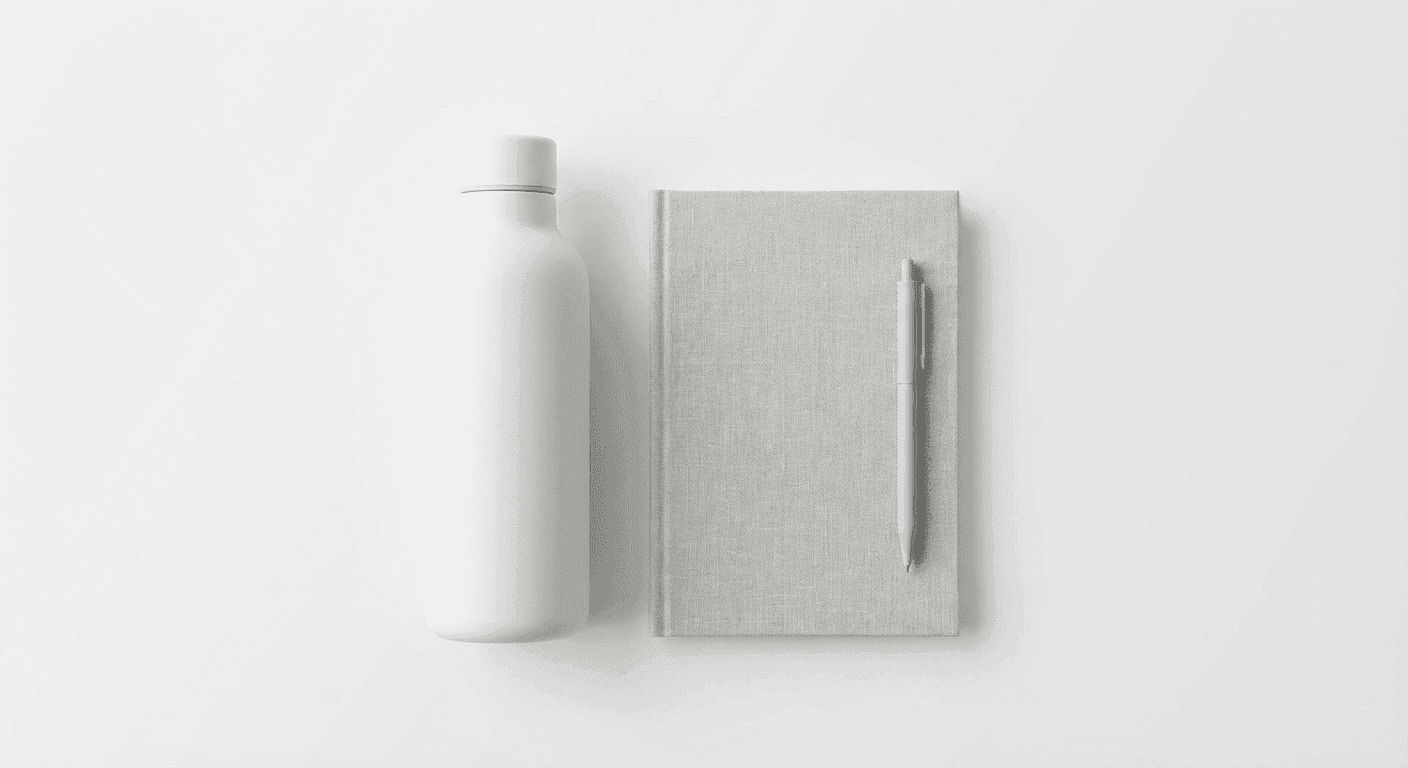
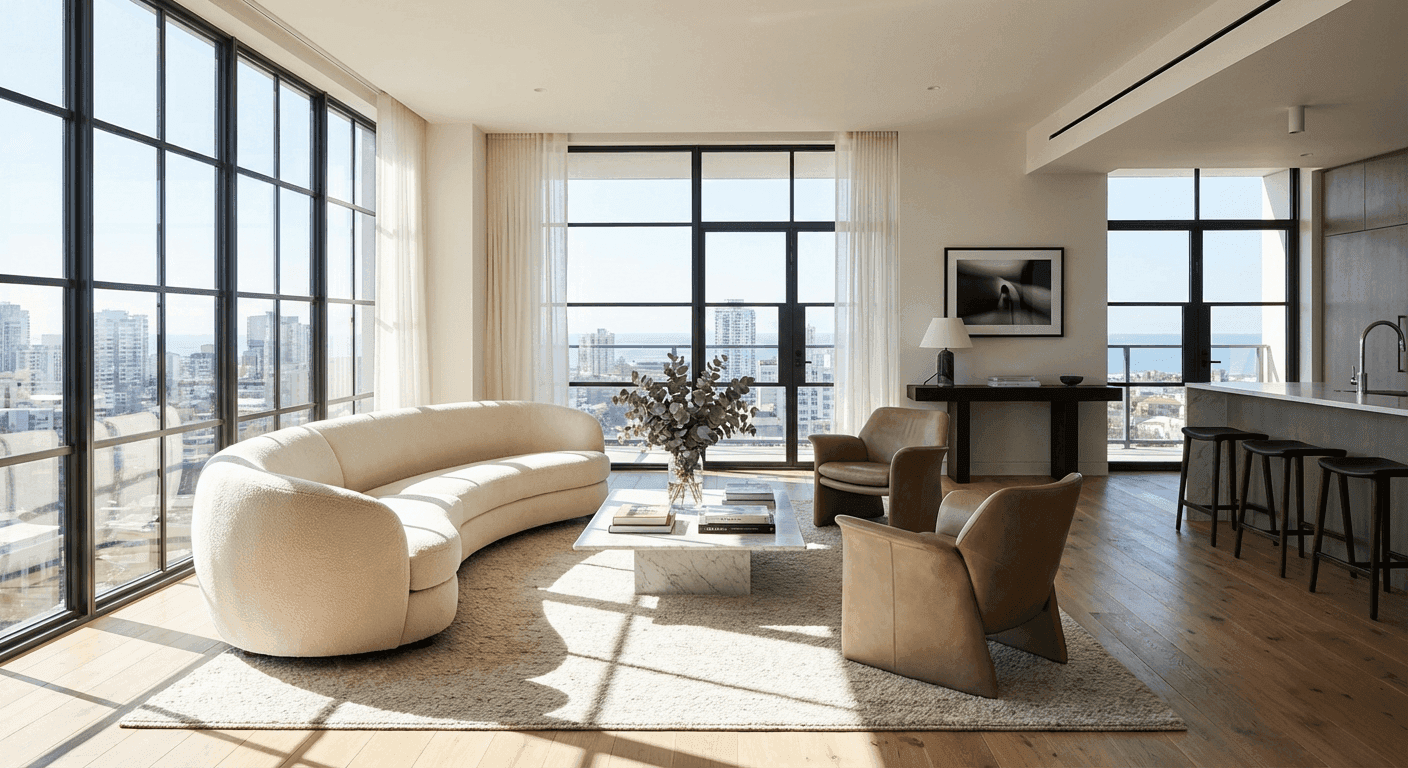
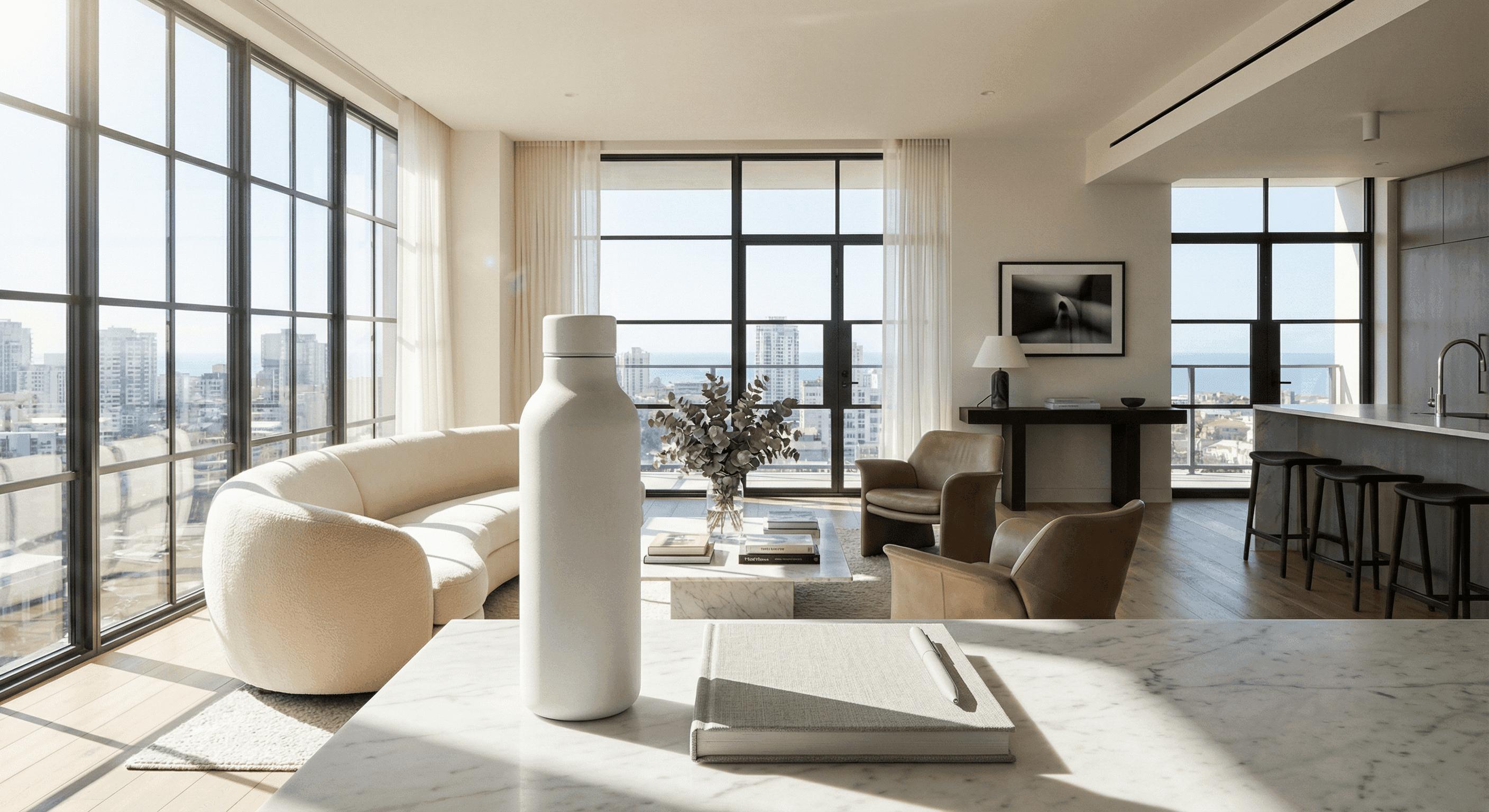
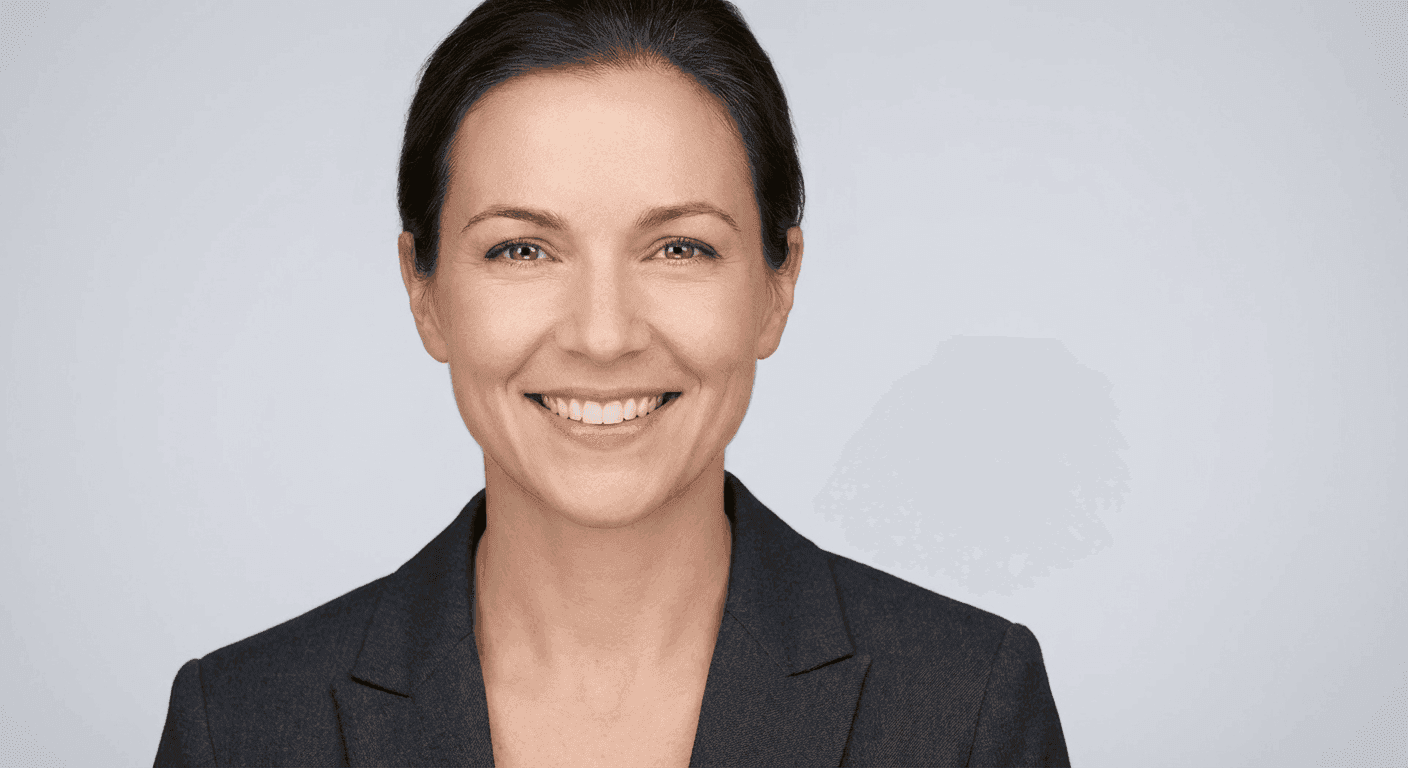
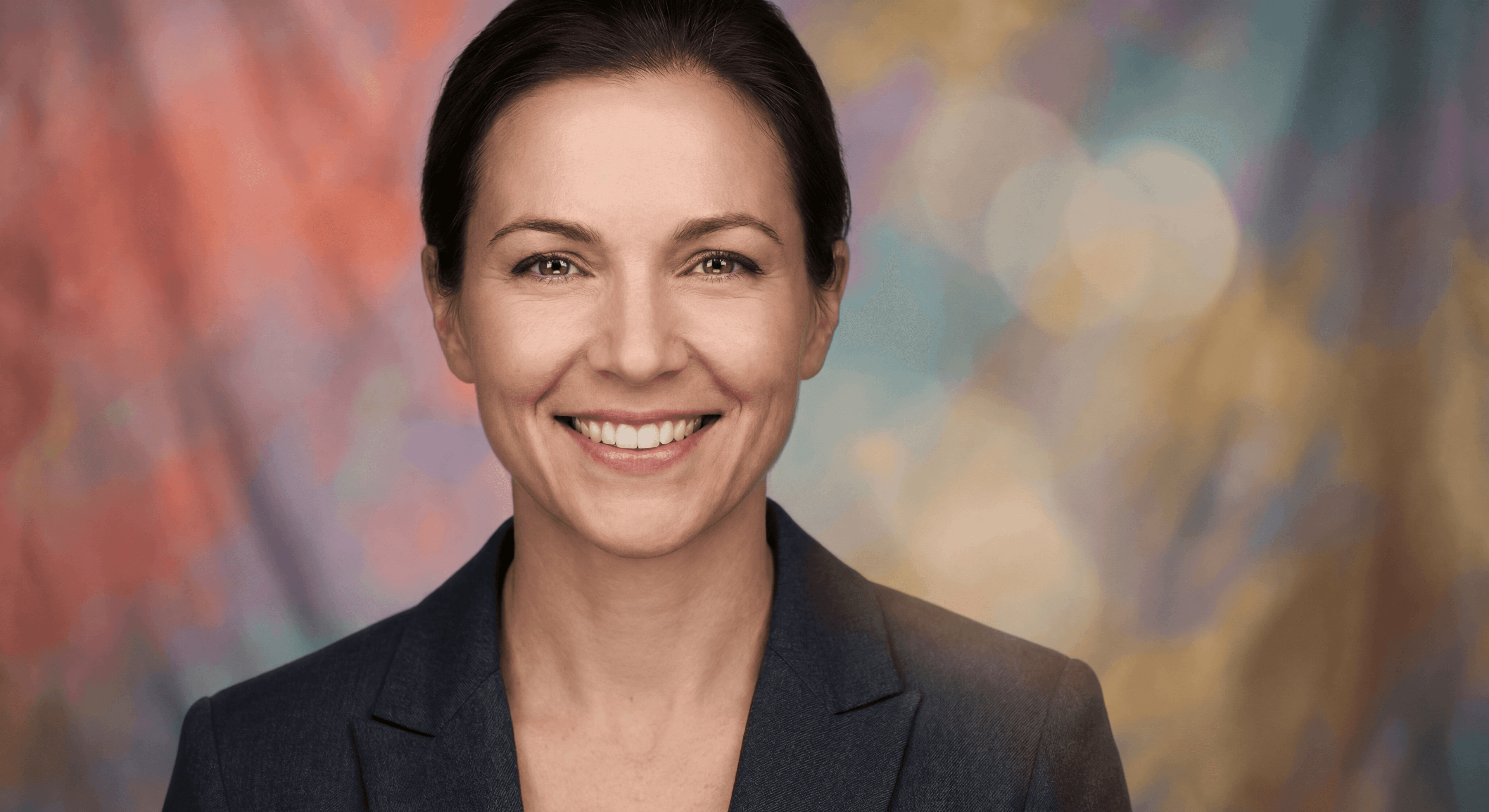

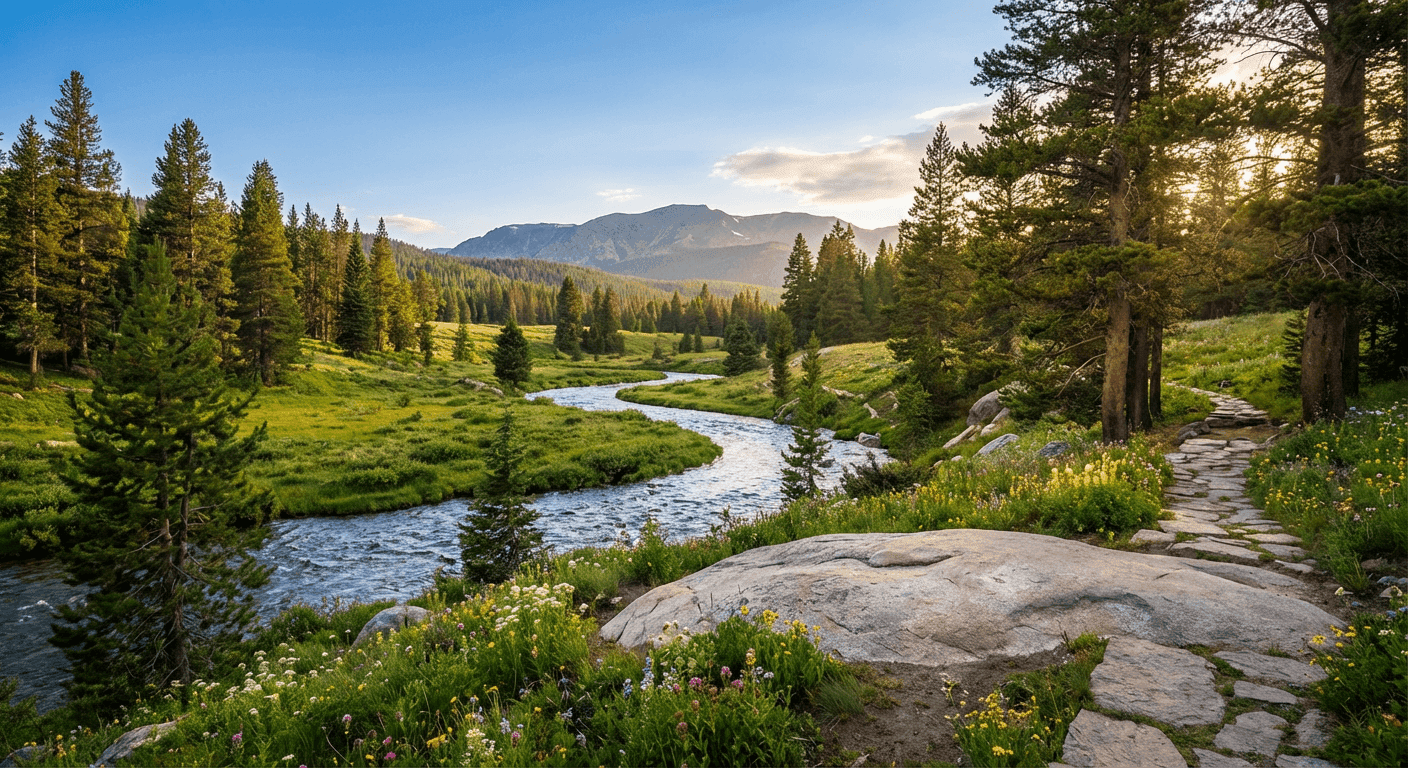
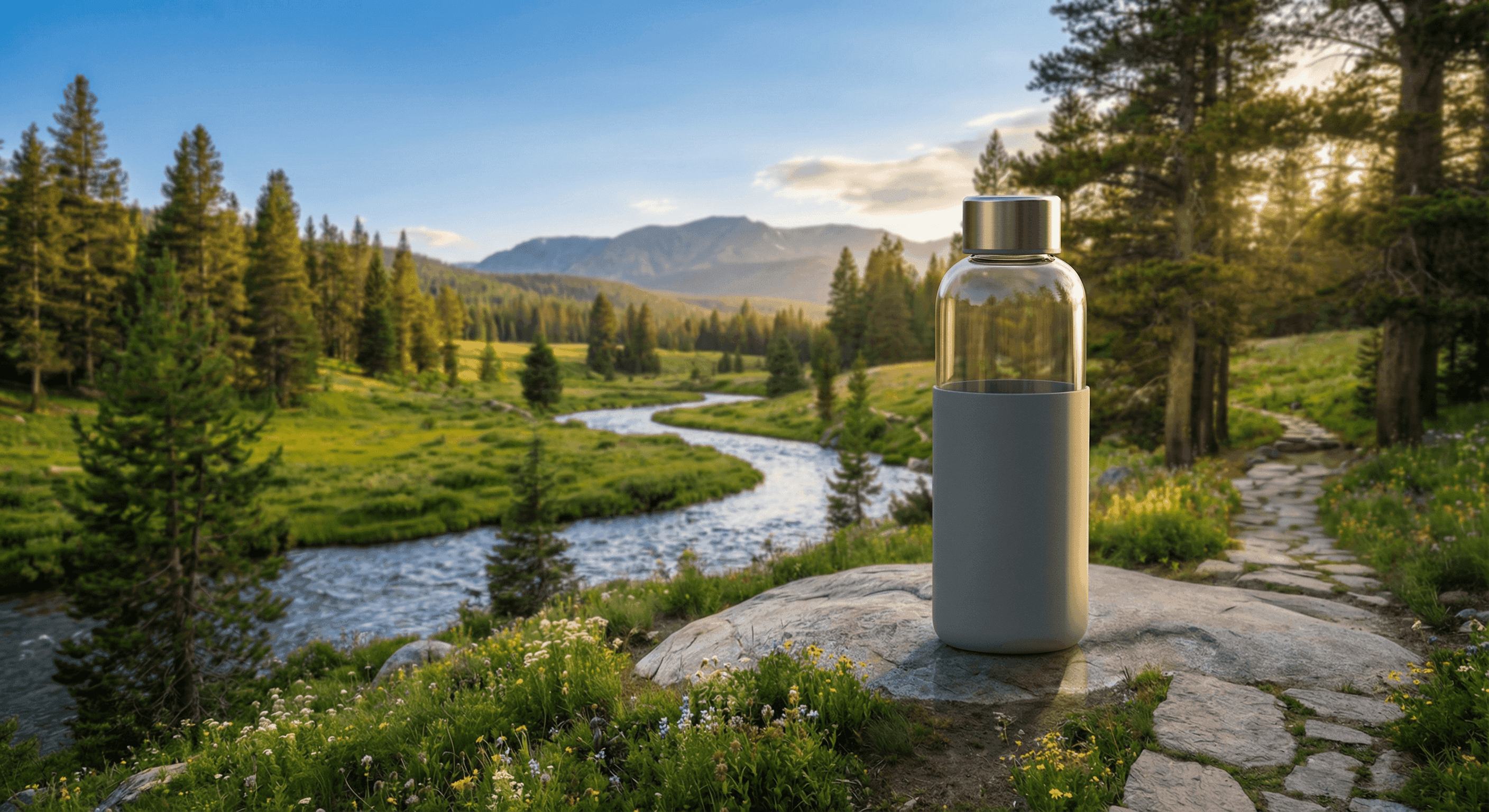
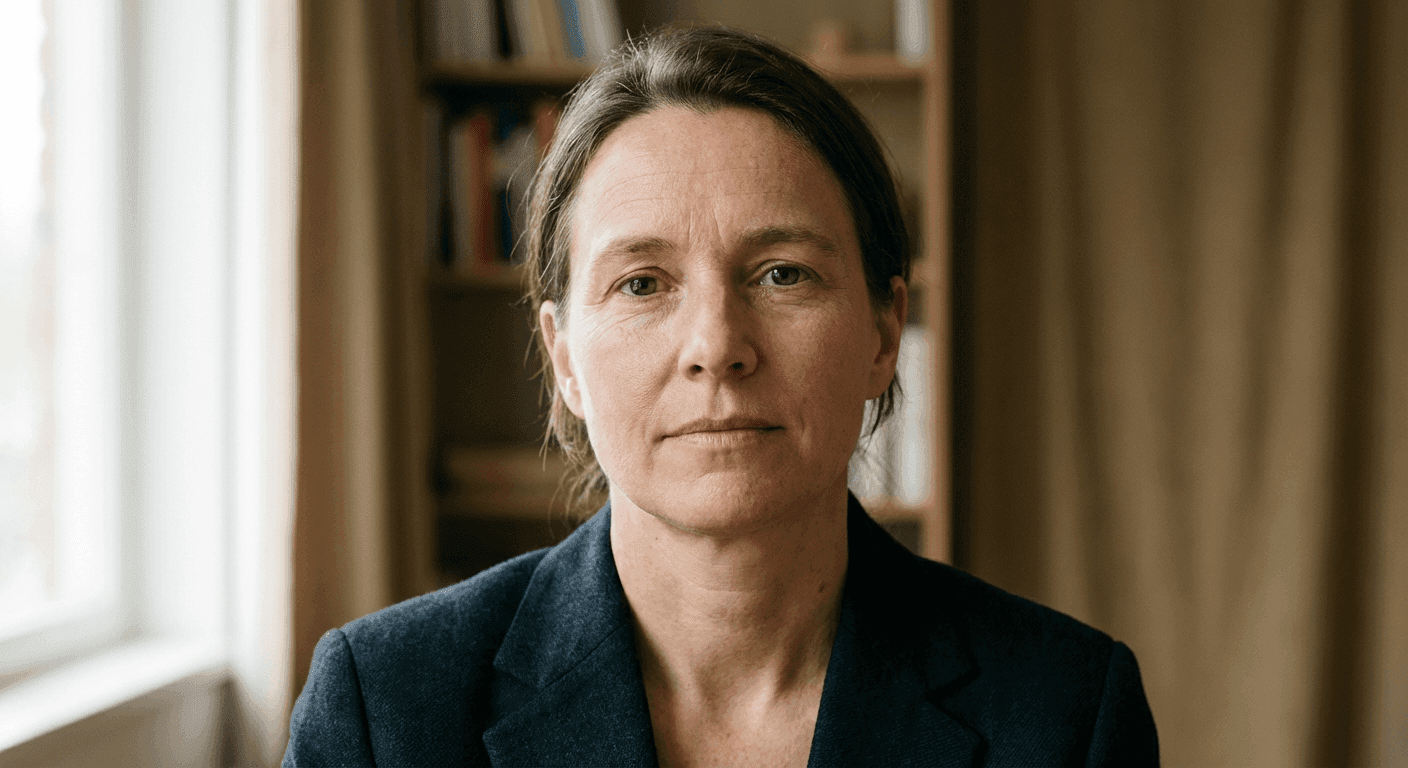

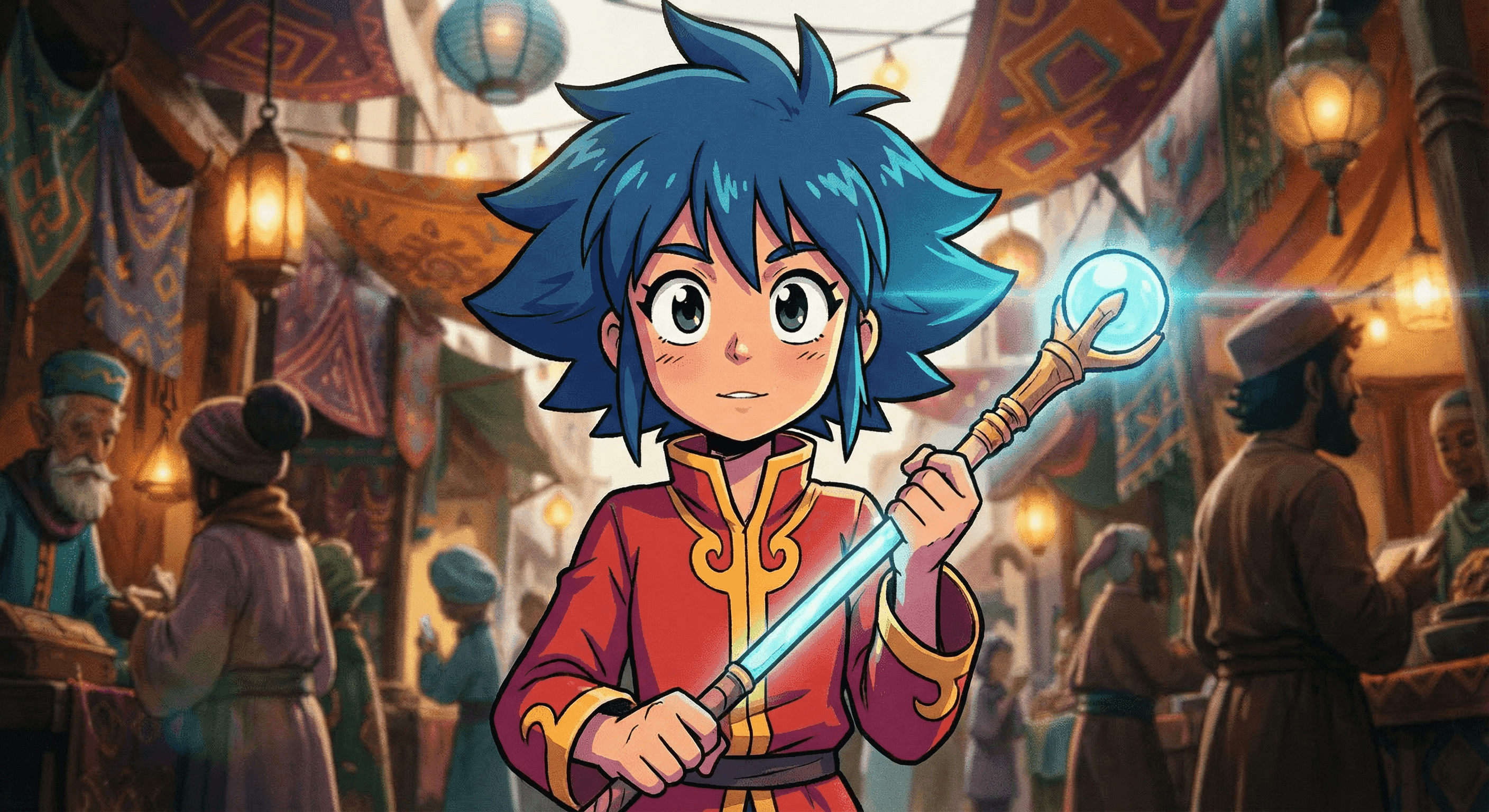
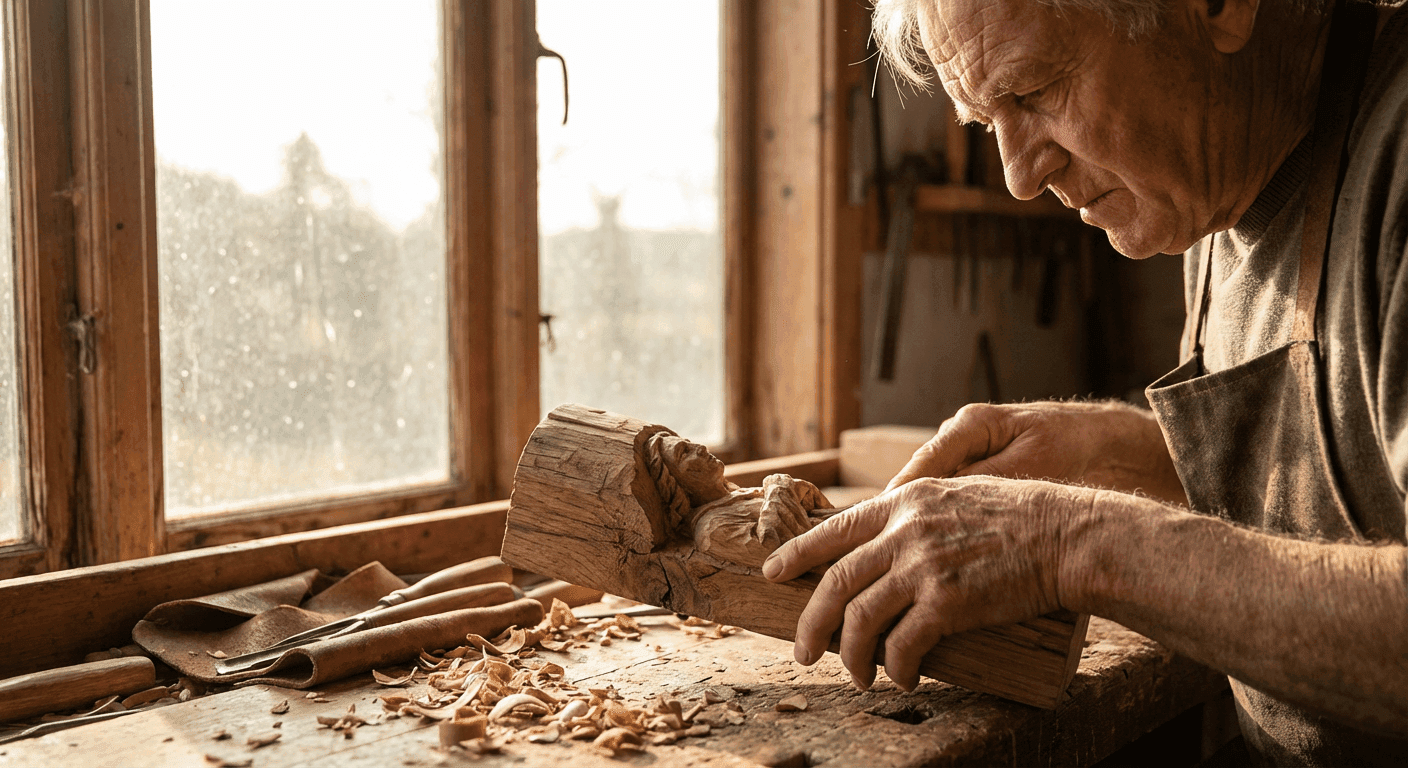
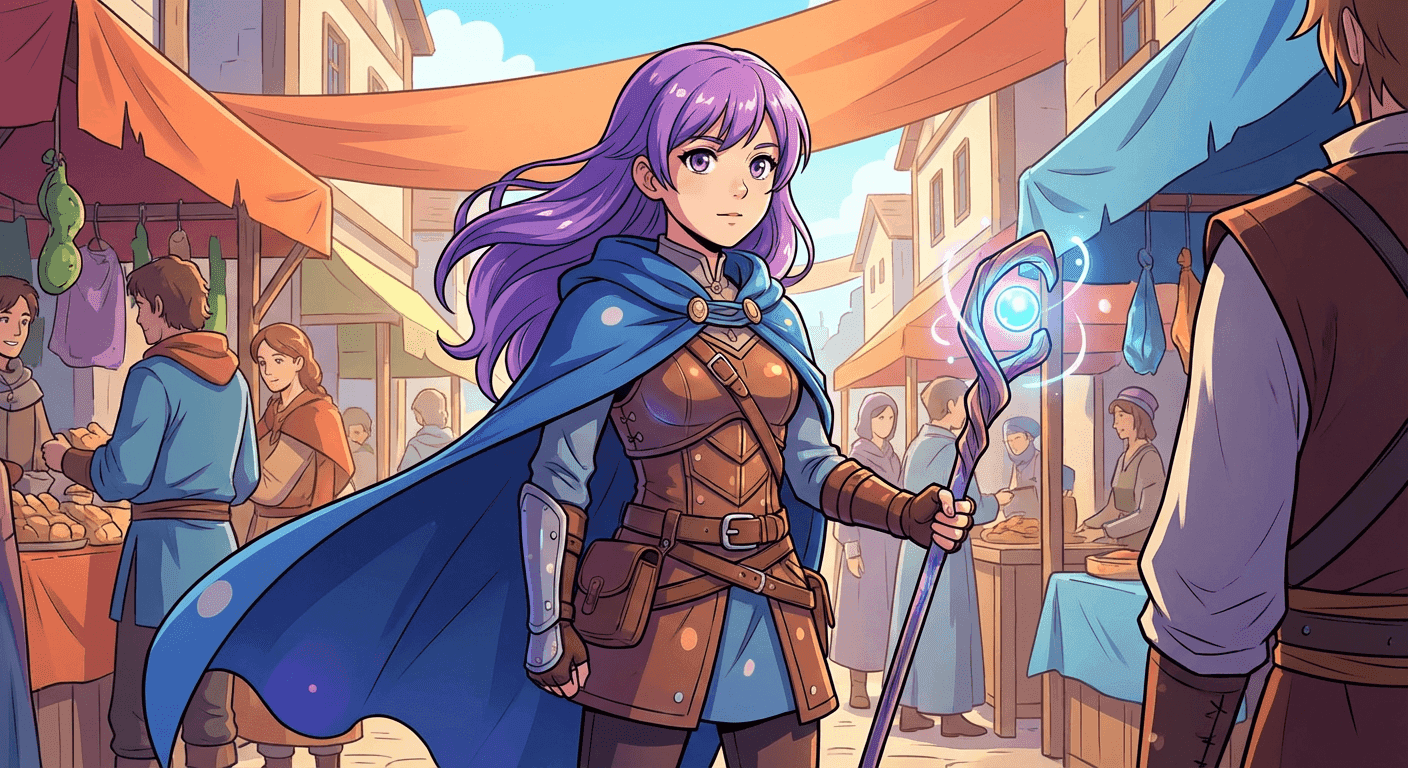
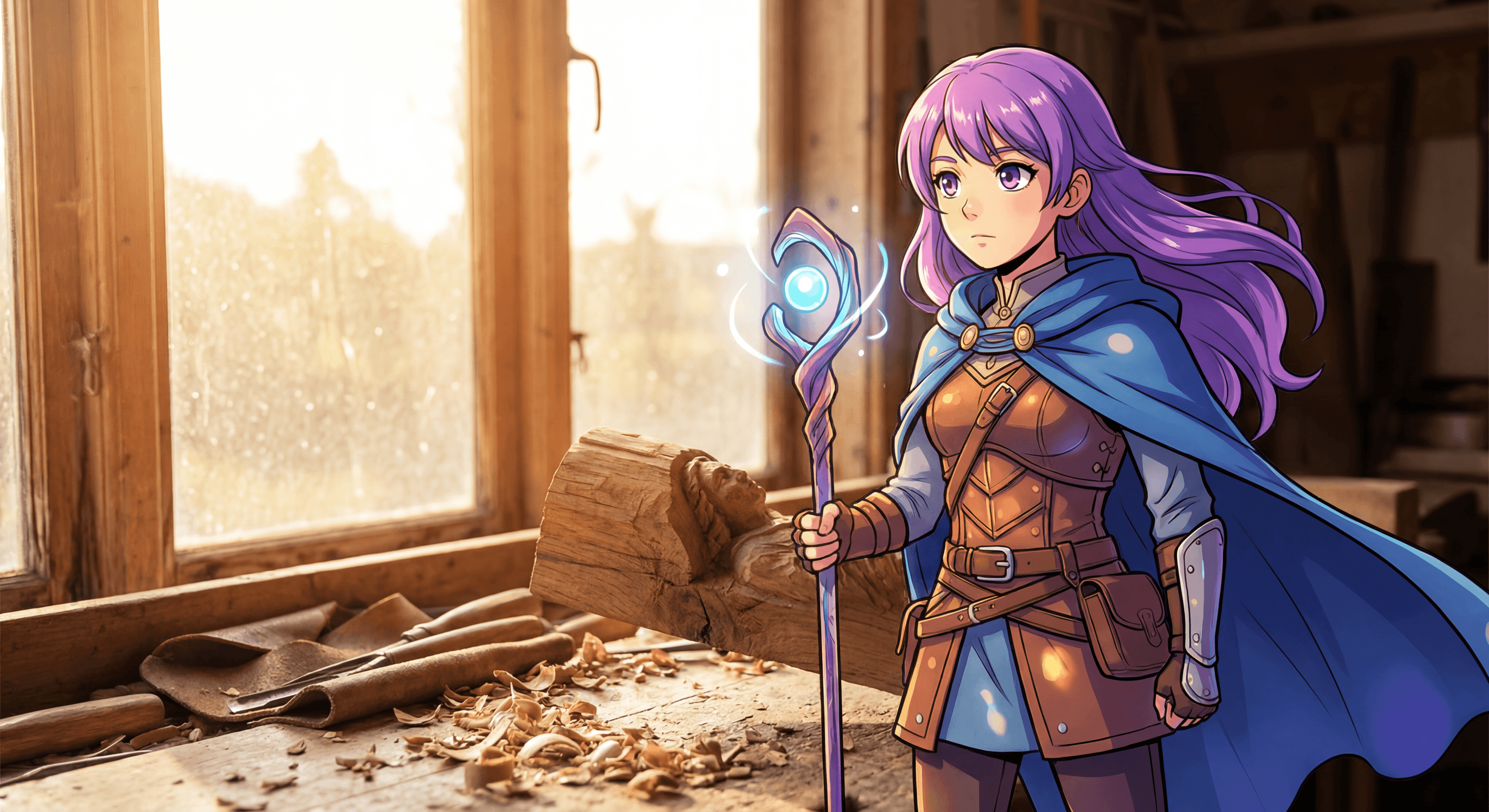
Advanced Multi-Image AI Image Combiner: Upload Up to 3 Photos
3-Image Workflow Use Cases for AI Image Combiner
Our AI image combiner transforms how creators handle multi-element compositions. Here are the most popular workflows:
Character + Background + Effects (AI Image Combiner)
Example: Anime character + real location + magical sparkle overlay using advanced ai image combiner
Use case: Music video production, fantasy scene creation
Face + Body + Environment (Multi-Image AI Combiner)
Example: Custom face + posed body + scenic background - powered by our ai image combiner
Use case: Portrait compositing, avatar creation
Product + Setting + Branding (Professional AI Image Combiner)
Example: Product shot + lifestyle scene + brand graphics with precision ai image combiner technology
Use case: E-commerce visuals, advertising mockups
Why Choose Our AI Image Combiner Over Competitors
💎 Pricing & Credits
20 credits per generation with our advanced AI image combiner · All resolutions (1080P, 2K, 4K) cost the same
55 images package
- GPT-Image-1: 55 images (10₵/image)
- Nano Banana: 27 images (20₵/image)
- Nano Banana Pro: 11@1K / 9@2K / 6@4K (50-80₵/image)
- 550 credits total
- 6+ artistic styles
- Up to 4K resolution (4096×4096)
- Commercial usage rights
120 images package
- GPT-Image-1: 120 images (10₵/image)
- Nano Banana: 60 images (20₵/image)
- Nano Banana Pro: 24@1K / 20@2K / 15@4K (50-80₵/image)
- 1200 credits total
- 6+ artistic styles
- Up to 4K resolution (4096×4096)
- Commercial usage rights
300 images package
- GPT-Image-1: 300 images (10₵/image)
- Nano Banana: 150 images (20₵/image)
- Nano Banana Pro: 60@1K / 50@2K / 37@4K (50-80₵/image)
- 3000 credits total
- 6+ artistic styles
- Up to 4K resolution (4096×4096)
- Commercial usage rights
Frequently Asked Questions
How many images can I combine?
Upload 2-3 source images simultaneously. Image 1 is your main subject (character, product, person), Image 2 is background/environment, and Image 3 is optional (props, effects, atmospheric overlays). This multi-image capability is unique to Nano Banana Pro.
What's the difference between fusion and simple image merging?
Simple mergers create side-by-side layouts. Our AI fusion intelligently blends images with automatic lighting matching, perspective alignment, and style preservation. The result is a seamless composite where elements appear naturally unified, not just placed next to each other.
How does the 2-part prompt system work?
Part 1 is your custom scene description (what you want to create). Part 2 is a fixed fusion instruction optimized for style preservation—never modify this. This proven method from @tapehead_Lab's 317K-view tutorial ensures illustrated textures stay intact when blending with photorealistic backgrounds.
Can I preserve illustrated/anime art style?
Yes. Part 2 of the prompt template specifically preserves illustrated textures and artistic styles when compositing with photographic backgrounds. 90%+ character consistency maintained across complex compositions.
What resolution should I choose?
1080P for web/social media (fastest generation), 2K for high-quality prints and detailed viewing, 4K for commercial/broadcast use and maximum detail preservation. All cost the same 20 credits.
How long does fusion take?
30-60 seconds for 1080P, up to 2 minutes for 4K. Real-time progress updates show analysis, blending, lighting matching, and finalization stages.
Can I use this for commercial projects?
Yes. Output quality is commercial-ready. Music video creators, concept artists, and product photographers use this tool professionally. Review our terms of service for full usage rights.
What if the fusion doesn't look right?
Adjust Part 1 of your prompt (scene description) and regenerate. Common fixes: be more specific about posture/composition, enable 'Lighting Match' in advanced controls, or adjust dominance sliders to change which image has more influence.
How is this better than Photoshop compositing?
95% faster (5-10 minutes vs 2-5 hours), 98% cheaper ($0.50-0.90 vs $40-250), and requires no technical skills. Photoshop offers more manual control for extreme precision, but our AI fusion handles 90% of professional compositing needs automatically.
Do I need design skills?
No. Describe your desired scene in natural language. Use our prompt template library for proven workflows. The 2-part prompt system guides you through style-preserving fusion without technical knowledge.
🔗 Related AI Tools
Explore more creative AI-powered image generators and style transformation tools
AI Inpainting
NEW!Edit specific regions of images with circle selection for precise multi-region editing
Double Exposure Portrait Generator
NEW!Blend portraits with nature, cities, or cosmos for cinematic silhouette art
Product Photography Studio
Professional product shots with customizable backgrounds
Cinematic 3-Frame Story
Create narrative sequences with emotional arc progression