AI Disintegration Effect Generator
Create Loki-style spaghettification effects. Transform portraits into dramatic body-stretching, black hole disintegration art in seconds.
50-80 credits | 30-60 seconds
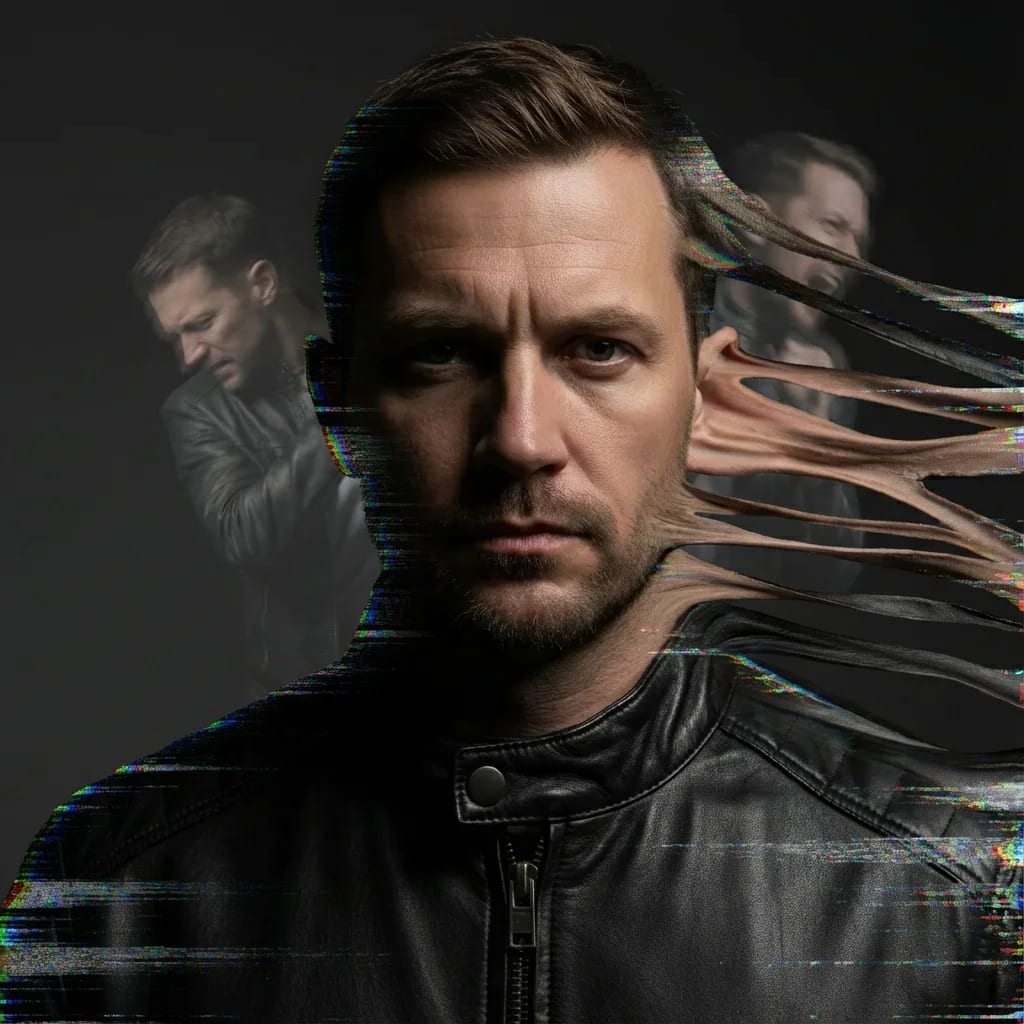
Create Your Disintegration Effect
Upload a photo and customize the direction and intensity of the spaghettification effect
Disintegration Effect Examples
Explore different disintegration styles and directions. Each effect creates a unique visual transformation.

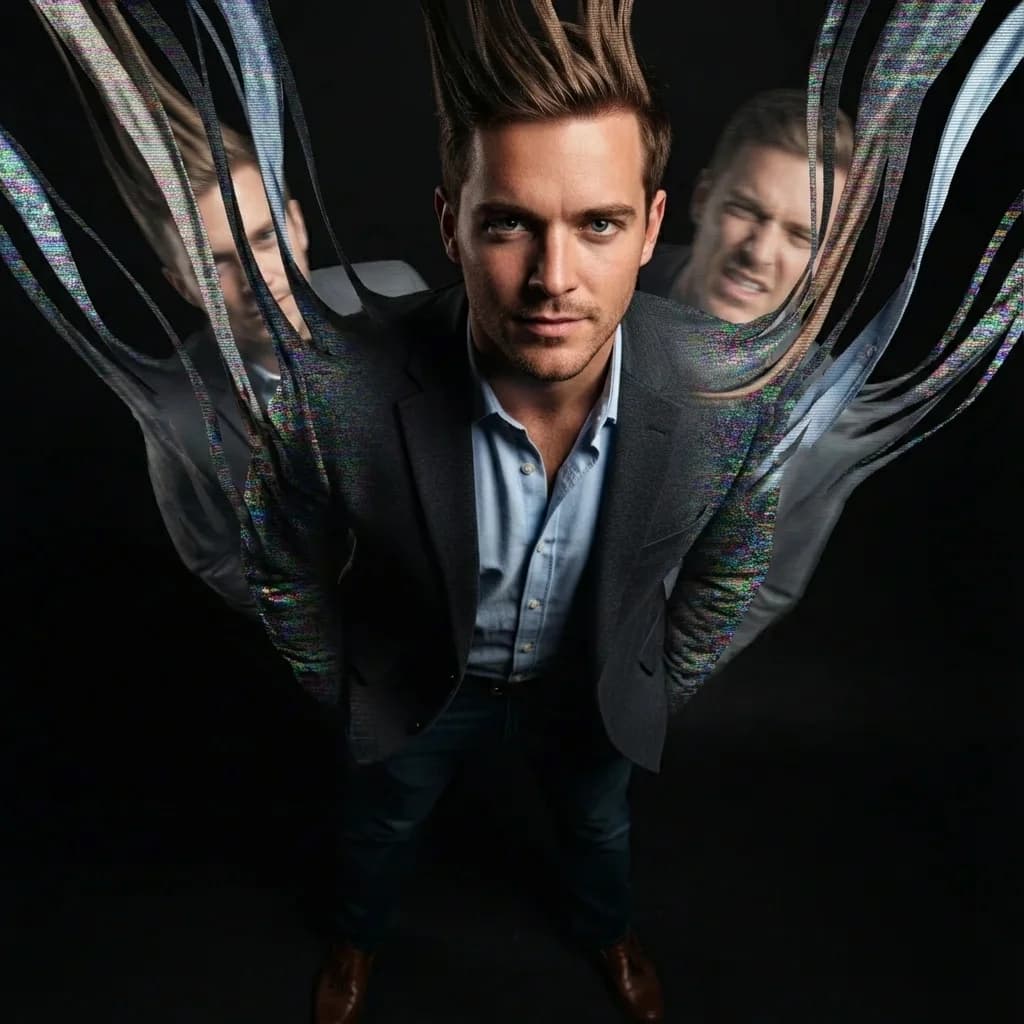
Loki Pruning Effect
UpwardBody stretching upward into streams of light, inspired by the TVA pruning scenes

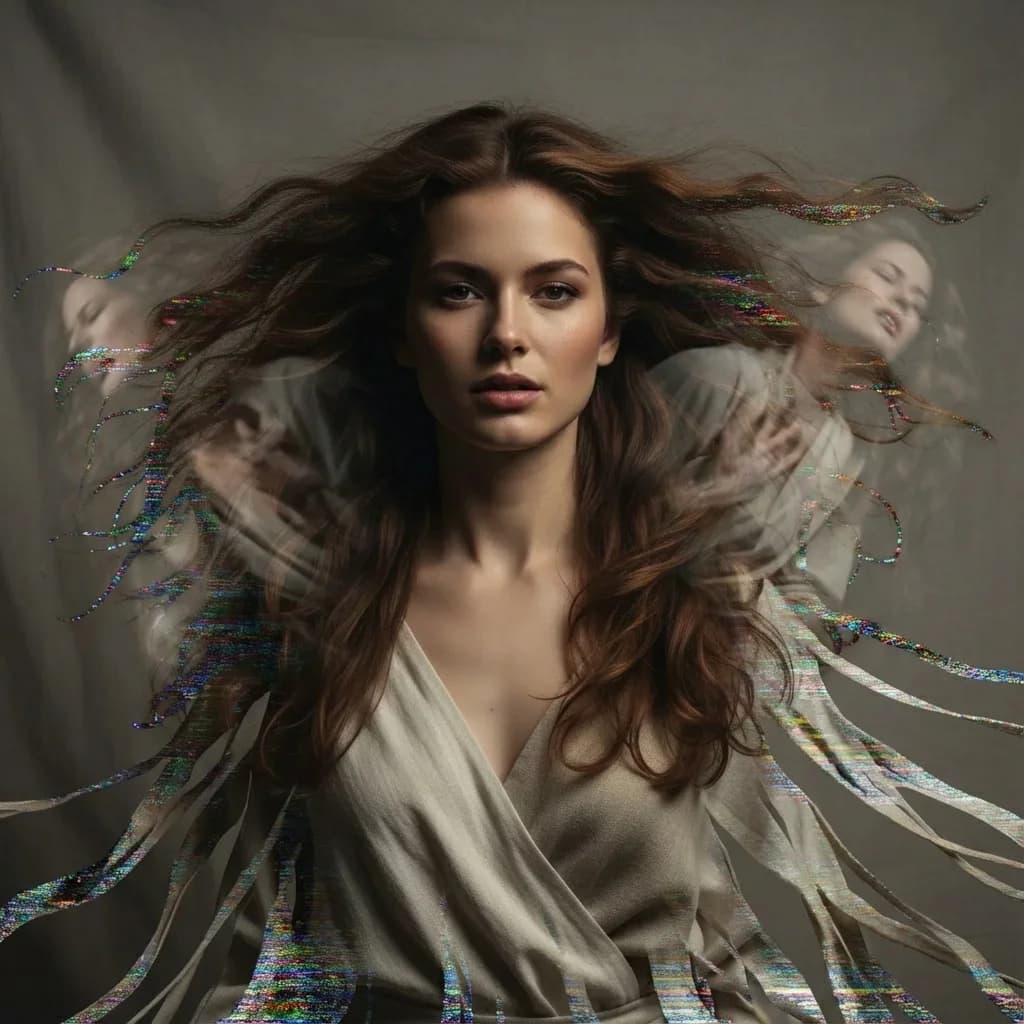
Falling Into Darkness
DownwardSubject dissolving downward as if being pulled into an endless void
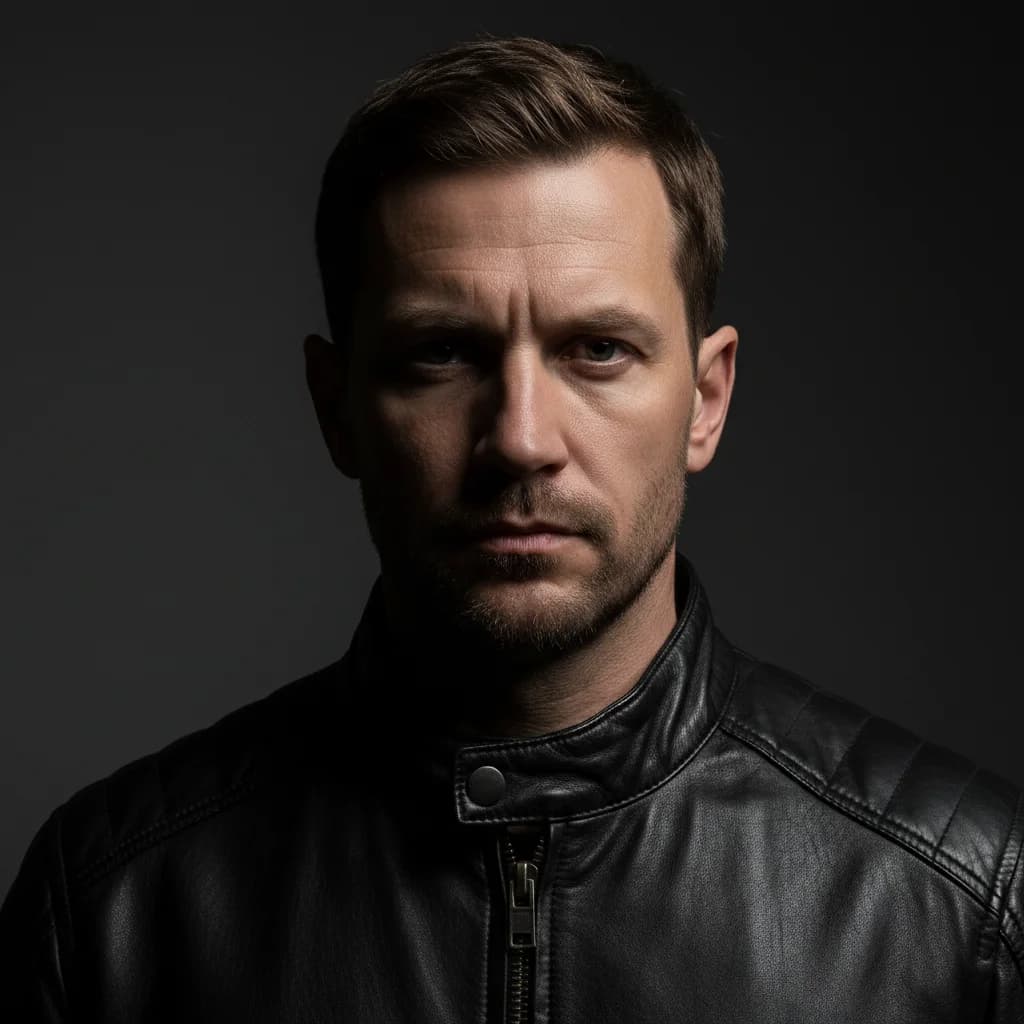
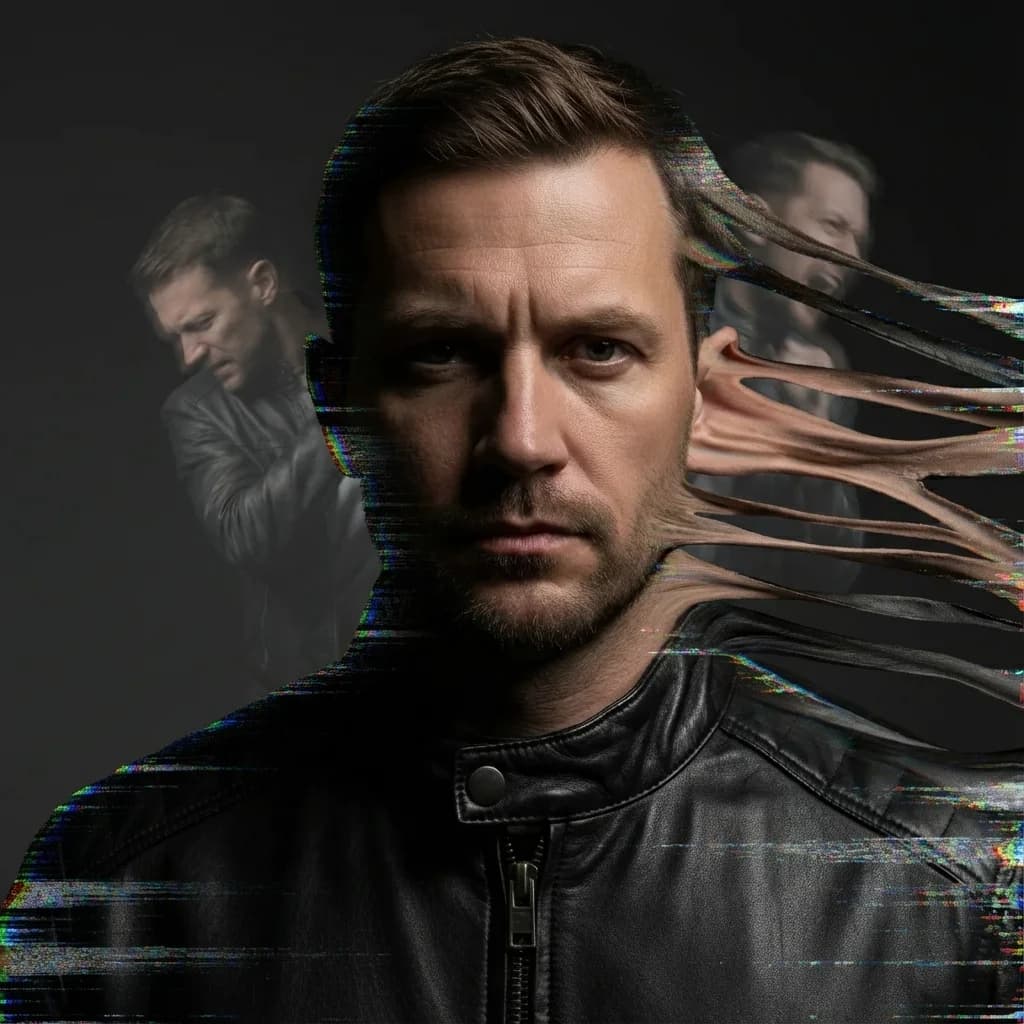
Black Hole Spaghettification
SidewaysDramatic horizontal stretching effect simulating gravitational pull
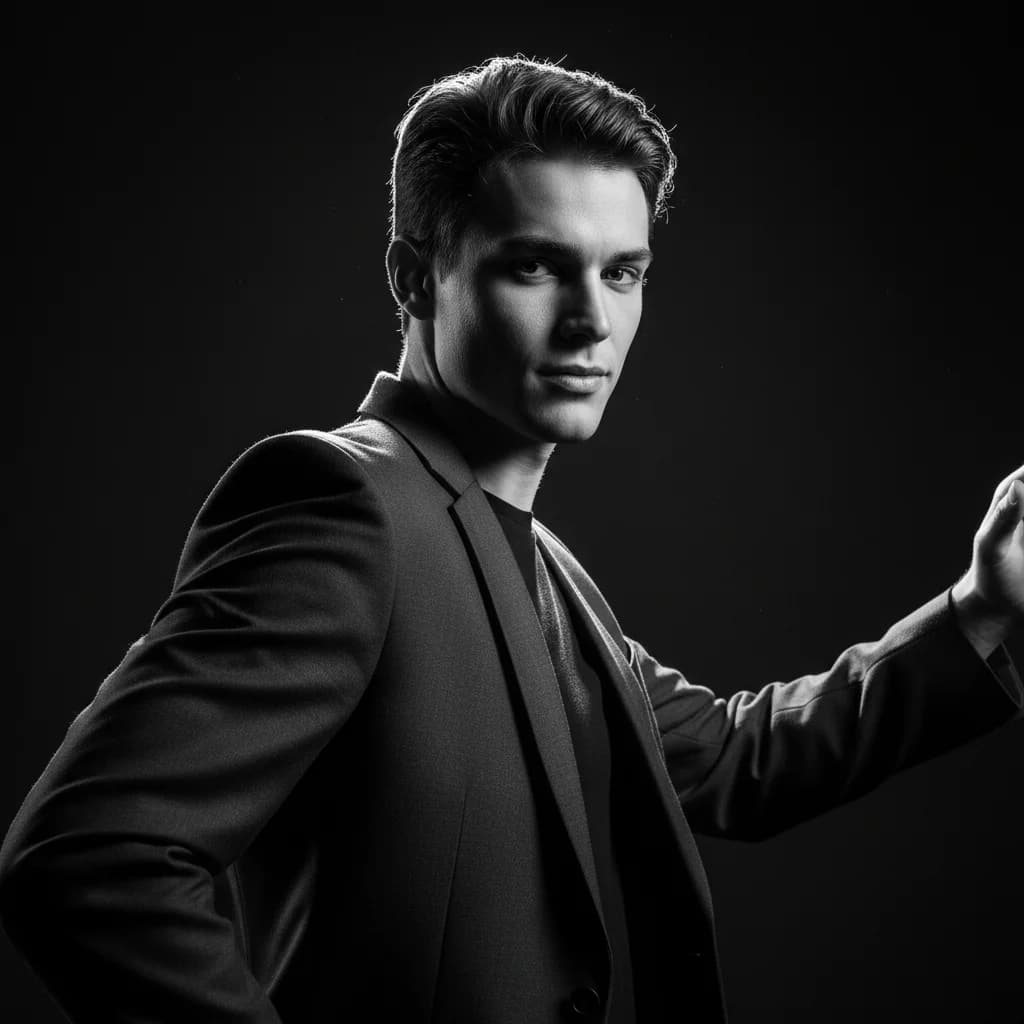
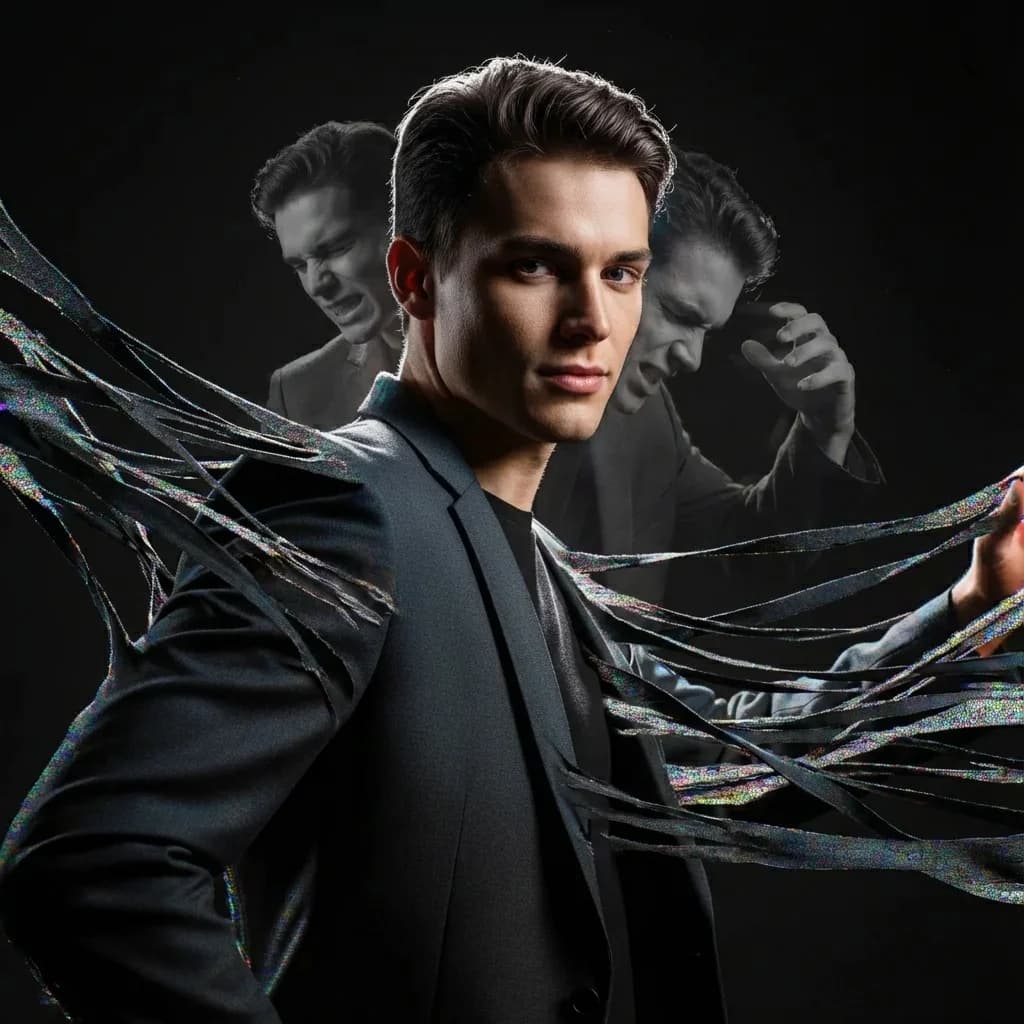
Explosive Scatter
ScatterBody fragmenting outward in all directions like an energy burst
Each disintegration effect is customizable with direction and intensity controls. Create Loki-style spaghettification, black hole effects, or explosive scatter patterns.
How the Disintegration Effect Generator Works
Transform any photo into a dramatic spaghettification effect in three simple steps
Upload Your Photo
Upload a portrait or full-body photo you want to transform with our disintegration effect
AI Generates Effect
Our AI creates the disintegration effect with spaghettification, stretching and fragmenting the subject in your chosen direction
Download Result
Get your dramatic disintegration effect image ready for sharing or further editing
How Spaghettification and Disintegration Effect Differ
Our disintegration effect creates true body-stretching effects, not just particle overlays
Thanos Snap vs Spaghettification
Particles scatter randomly, subject turns to dust
Body stretches into streams, pulled by invisible force
Static vs Dynamic
Simple overlays, no structural transformation
Intelligent body-aware stretching and fragmentation with advanced disintegration effect technology
Who Uses the Disintegration Effect Generator
From Marvel fans to digital artists, the spaghettification effect unlocks dramatic creative possibilities
Marvel Fan Art
Create Loki-style pruning effects, Thanos snap alternatives, and MCU-inspired body horror art for fan communities.
Digital Art & NFTs
Generate unique sci-fi artwork with dramatic spaghettification effects for digital art collections and NFT projects.
Social Media Content
Create eye-catching profile pictures and viral content with dramatic disintegration transformations.
Horror & Sci-Fi Creators
Add body horror and cosmic horror elements to your creative projects with photorealistic distortion effects.
Frequently Asked Questions
Everything you need to know about the disintegration effect generator
What is the disintegration effect?
The disintegration effect is a visual transformation that makes the subject appear to be breaking apart, stretching, and dissolving into thin streams or particles. Our AI creates this dramatic body-stretching effect inspired by the physics concept of spaghettification and sci-fi visual effects like those seen in Marvel's Loki series.
What is spaghettification?
Spaghettification is a real physics phenomenon where objects near black holes get stretched into long, thin strands due to extreme gravitational forces. Our AI recreates this dramatic visual effect on photos, making subjects appear to be pulled and elongated as if being drawn into an invisible black hole.
What photos work best for this effect?
The disintegration effect works best with clear portrait photos or full-body shots where the subject is well-lit and has good contrast against the background. Photos with clean backgrounds produce the most dramatic results, as the AI can precisely isolate the subject for the stretching and fragmenting transformation.
Can I control the direction of the disintegration?
Yes, you can choose from four disintegration directions: Upward (ascending to light), Downward (falling/dissolving), Sideways (horizontal pull), or Center Out (explosion/scatter). Each direction creates a different dramatic mood for your spaghettification effect.
How is this different from Thanos snap effects?
The Thanos snap effect (dispersion) turns subjects into scattered particles. Our disintegration effect combines stretching with fragmentation - the body elongates and warps before dissolving into thread-like streams. It's more like being pulled into a black hole than simply turning to dust.
What resolution options are available?
We offer three resolution tiers: 1080P (50 credits) for social media sharing, 2K (60 credits) for detailed prints, and 4K (80 credits) for professional-quality output. Higher resolutions capture more detail in the stretching and fragmentation effects.
Can I use these images commercially?
Yes, all images you generate are yours to use for personal projects, social media content, digital art, NFTs, and commercial purposes. Please refer to our Terms of Service for full commercial usage rights and guidelines.
🔗 Related AI Tools
Explore more creative AI-powered image generators and style transformation tools
Double Exposure Portrait Generator
NEW!Create cinematic double exposure art by blending portraits with nature, cities, or cosmos
Horror Peephole Generator
Create found footage style horror images with eerie peephole distortion
Age Progression Timeline
NEW!See your entire life in one image with 16 ages from baby to elderly
AI Storyboard Generator
NEW!Create professional contact sheets with 9 cinematic angles
Ready to Create Your Disintegration Effect?
Transform your photos into dramatic spaghettification art. No VFX skills required.
50-80 credits per generation | 30-60 seconds